
 0
0
The T.SK105A.03 universal board has become a widely discussed solution in TV and monitor repair communities. Whether you're replacing a faulty mainboard or upgrading an LCD panel, this controller board is often considered a cost-effective alternative.
However, many users report firmware flashing failures, no-signal problems, and compatibility confusion. This complete guide explains how to use the T.SK105A.03 correctly, how to flash firmware safely, and how to avoid common mistakes.
1. What Is the T.SK105A.03 Universal Board?
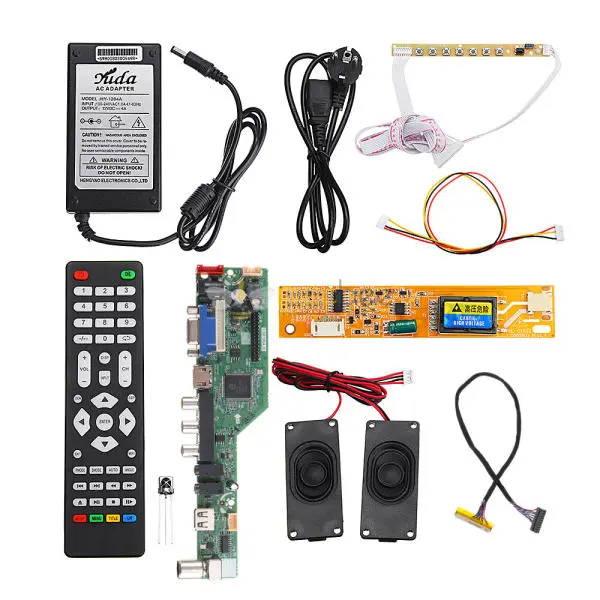
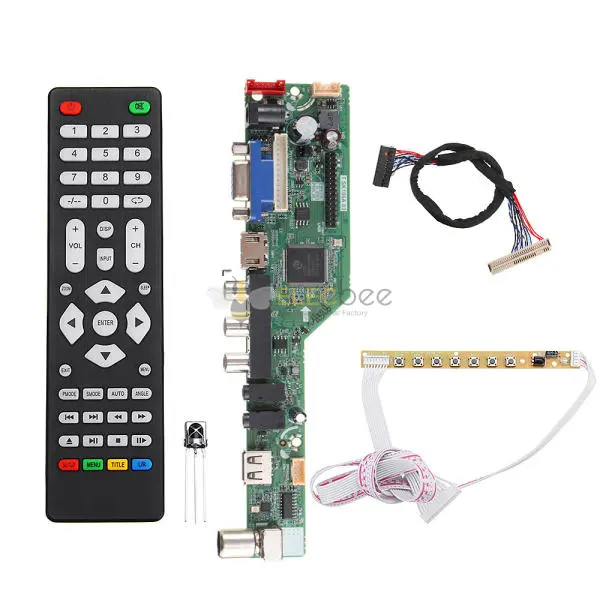
The T.SK105A.03 universal board is a general-purpose LCD controller board commonly used for repairing or converting LCD TVs and monitors. It supports various panel resolutions and includes HDMI, VGA, and AV inputs depending on configuration.
Key Features
• Multi-resolution support
• LVDS output for LCD panels
• USB firmware upgrade capability
• Budget-friendly replacement option
Because of its flexibility, it is frequently used in DIY repair projects and refurbishment businesses.
2.Understanding Screen Compatibility
Before flashing firmware, you must confirm panel compatibility.
Matching Resolution
One of the most common errors is installing incorrect firmware for the panel resolution. For example, if you use T.SK105A.03 1366x768 firmware on a 1920×1080 screen, display distortion or no signal may occur.
Always verify:
• Native resolution
• Refresh rate
• Panel model number

LVDS Configuration
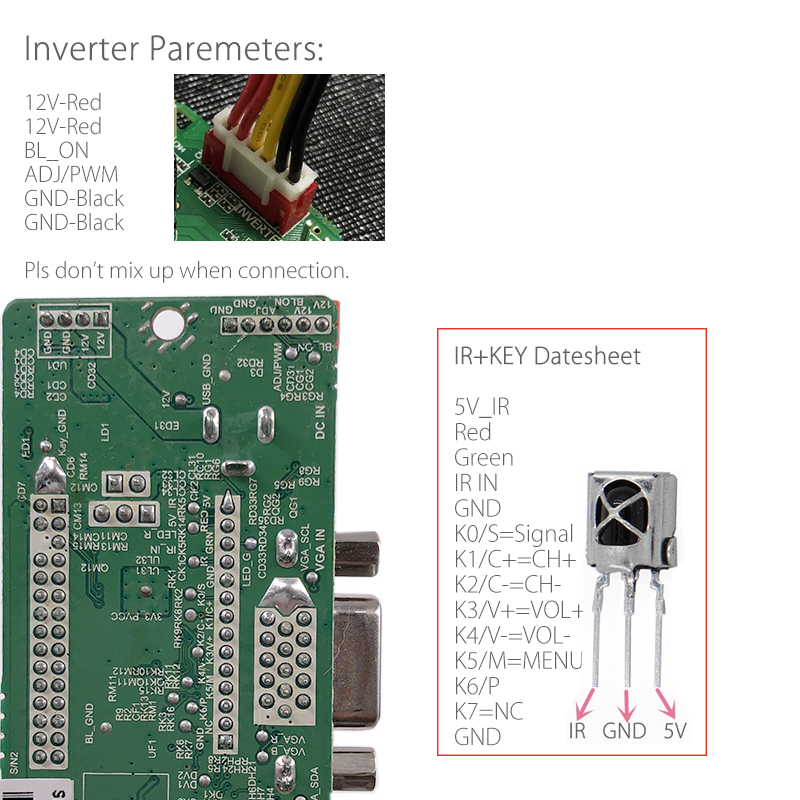
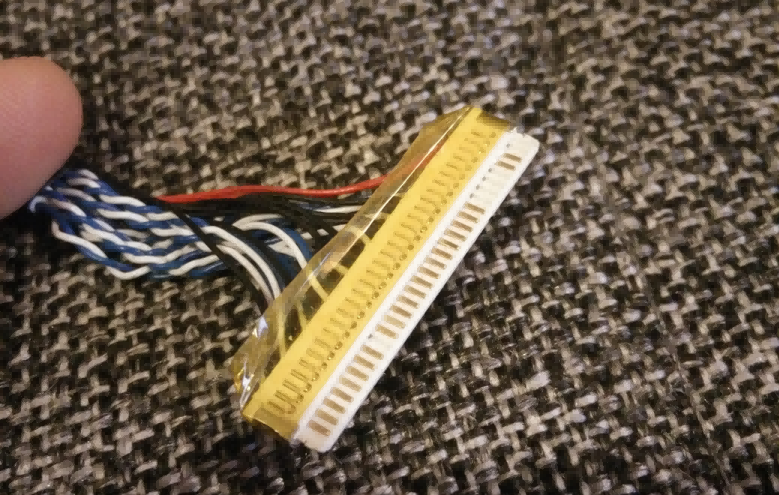
LVDS pin configuration must match the panel specification. Incorrect mapping can cause:
• White screen
• Flickering
• Color distortion
Check the panel datasheet carefully before installation.
3.How to Flash T.SK105A.03 Firmware via USB
Many users search for how to flash T.SK105A.03 via USB, especially when repairing a non-functioning board.
Step-by-Step Firmware Flashing Process
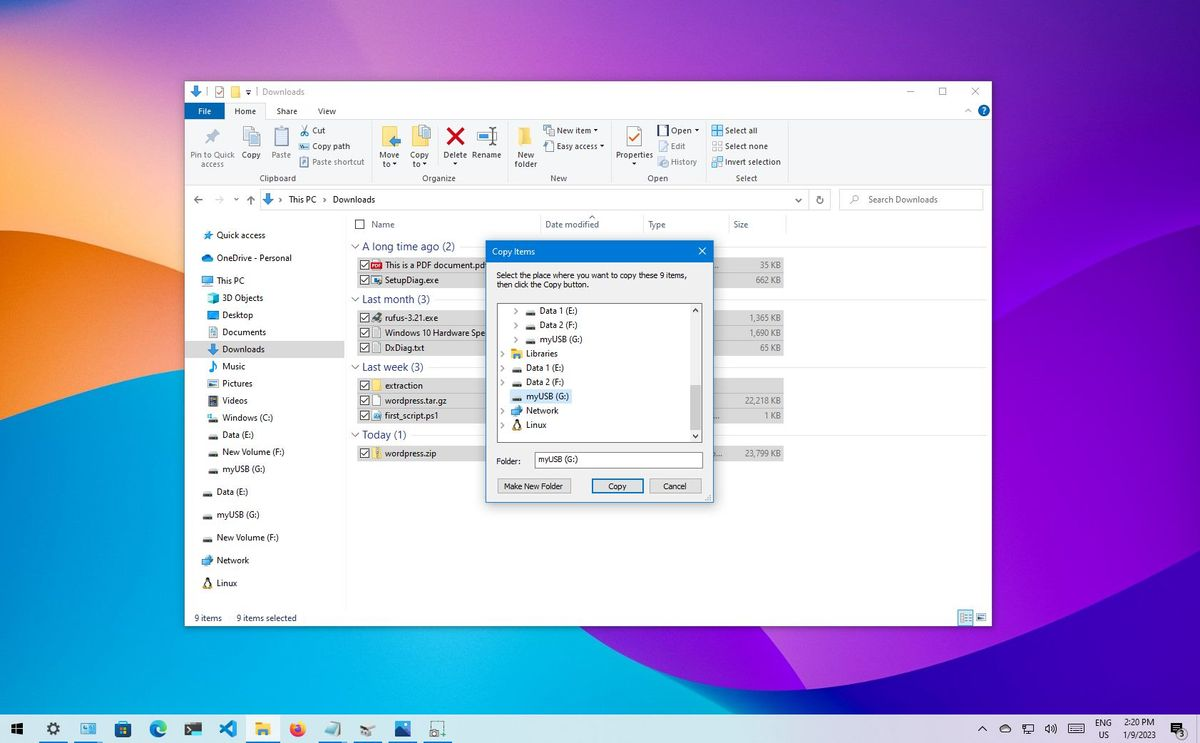
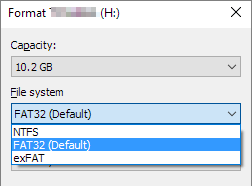
1. Format USB drive to FAT32
2. Copy correct firmware file to root directory
3. Insert USB into board
4. Connect power supply
5. Wait for automatic flashing process
6. Remove USB after completion
Do not interrupt power during flashing.
What If T.SK105A.03 Firmware Is Not Working?
If firmware is not detected:
• Confirm USB format is FAT32
• Ensure firmware matches exact board version
• Try smaller capacity USB drive
• Check power supply stability
A mismatched firmware file is the most common cause of failure.
4.Common Problems and Troubleshooting
T.SK105A.03 No Signal Problem
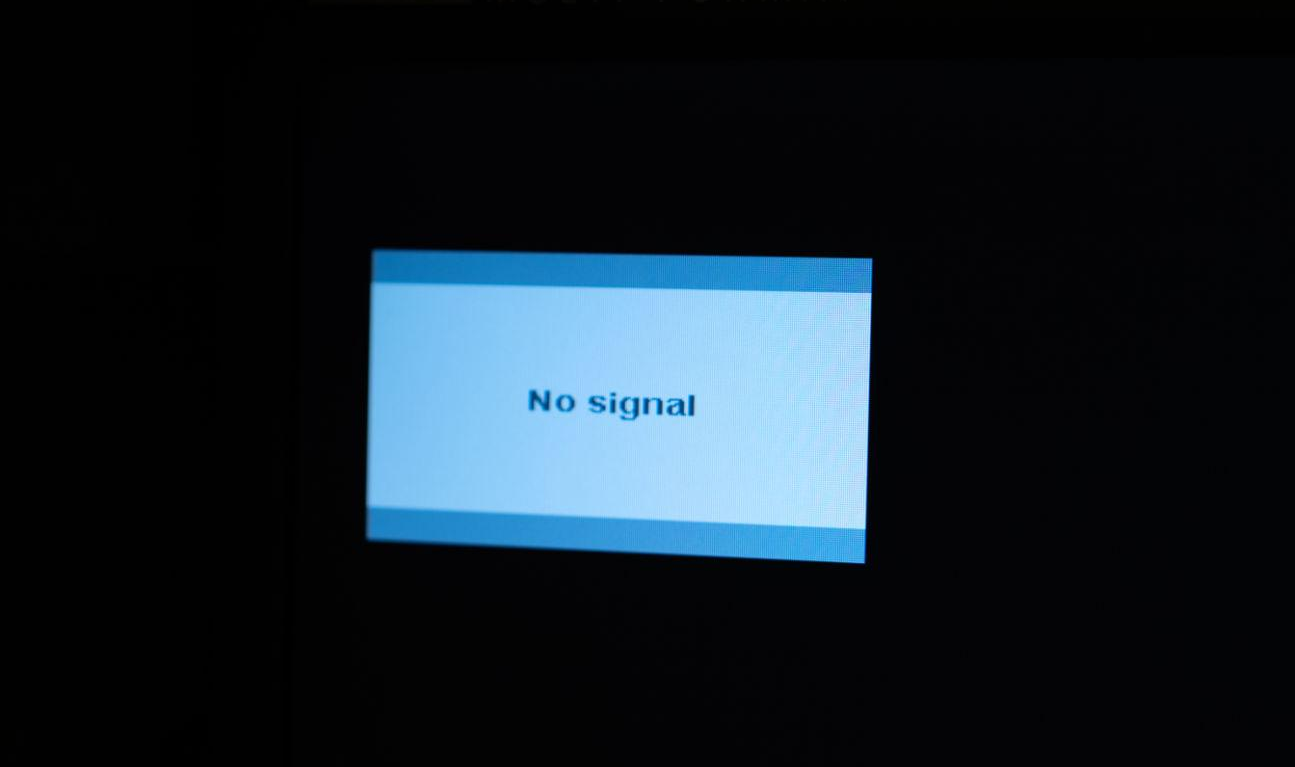
If the board powers on but shows no signal:
• Check LVDS cable direction
• Confirm correct firmware
• Test HDMI/VGA input
• Verify panel voltage requirement
Board Does Not Power On
Possible causes:
• Incorrect DC adapter voltage
• Damaged power circuit
• Shorted LVDS cable
Use a stable 12V regulated power supply for testing.
5.Best Practices for Stable Performance
To ensure long-term reliability:
• Always back up original firmware when possible
• Label firmware versions clearly
• Avoid using generic firmware blindly
• Test with known-good panel first
If repeated firmware flashing fails, replacing the board may be more cost-effective than extended troubleshooting.
6.Frequently Asked Questions
Can I Use Any Firmware Version?
No. Firmware must match:
• Resolution
• Panel type
• Board revision
Is T.SK105A.03 Suitable for DIY Projects?
Yes, but only if you understand LCD panel specifications and firmware flashing procedures.
7.Conclusion
The T.SK105A.03 universal board remains a practical solution for LCD repair when used correctly. Most issues reported in online discussions are caused by incorrect firmware flashing or mismatched screen compatibility.
By following proper flashing procedures and verifying panel specifications, you can significantly reduce repair failure rates and ensure stable performance.
If you are sourcing reliable universal boards and accessories, always choose verified suppliers to guarantee firmware support and hardware consistency.
Related Products
• HSD Cable Assemblies
• Headers, Receptacles
• Power Amplifiers