



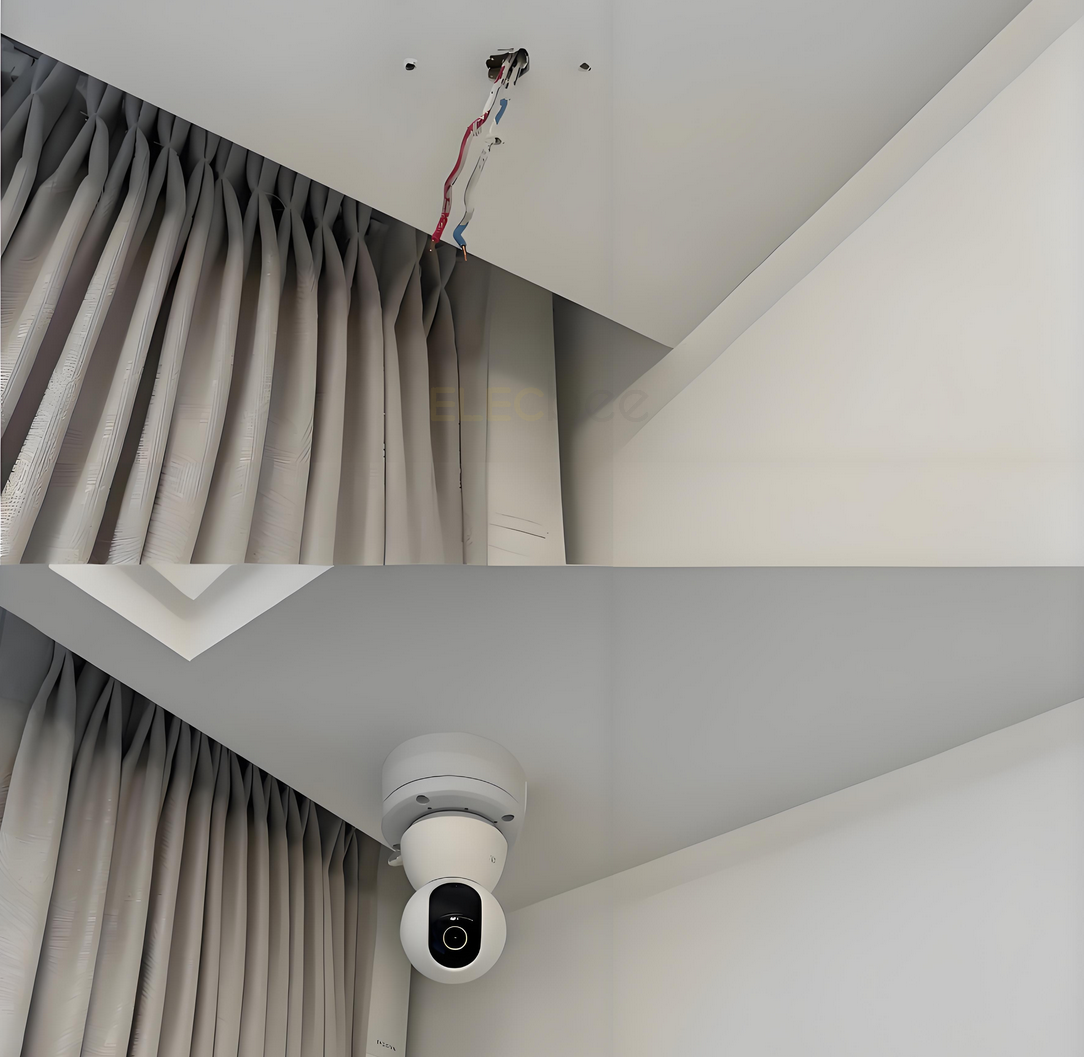
With the widespread use of security surveillance systems in homes and businesses, more and more users are encountering a common problem when installing network cameras: the RJ45 connector at the end of the camera cable is too bulky to fit through the small holes provided, forcing them to enlarge the holes, which not only affects the aesthetics but also increases the difficulty of installation. Is this a design flaw, or is there a technical reason behind it?
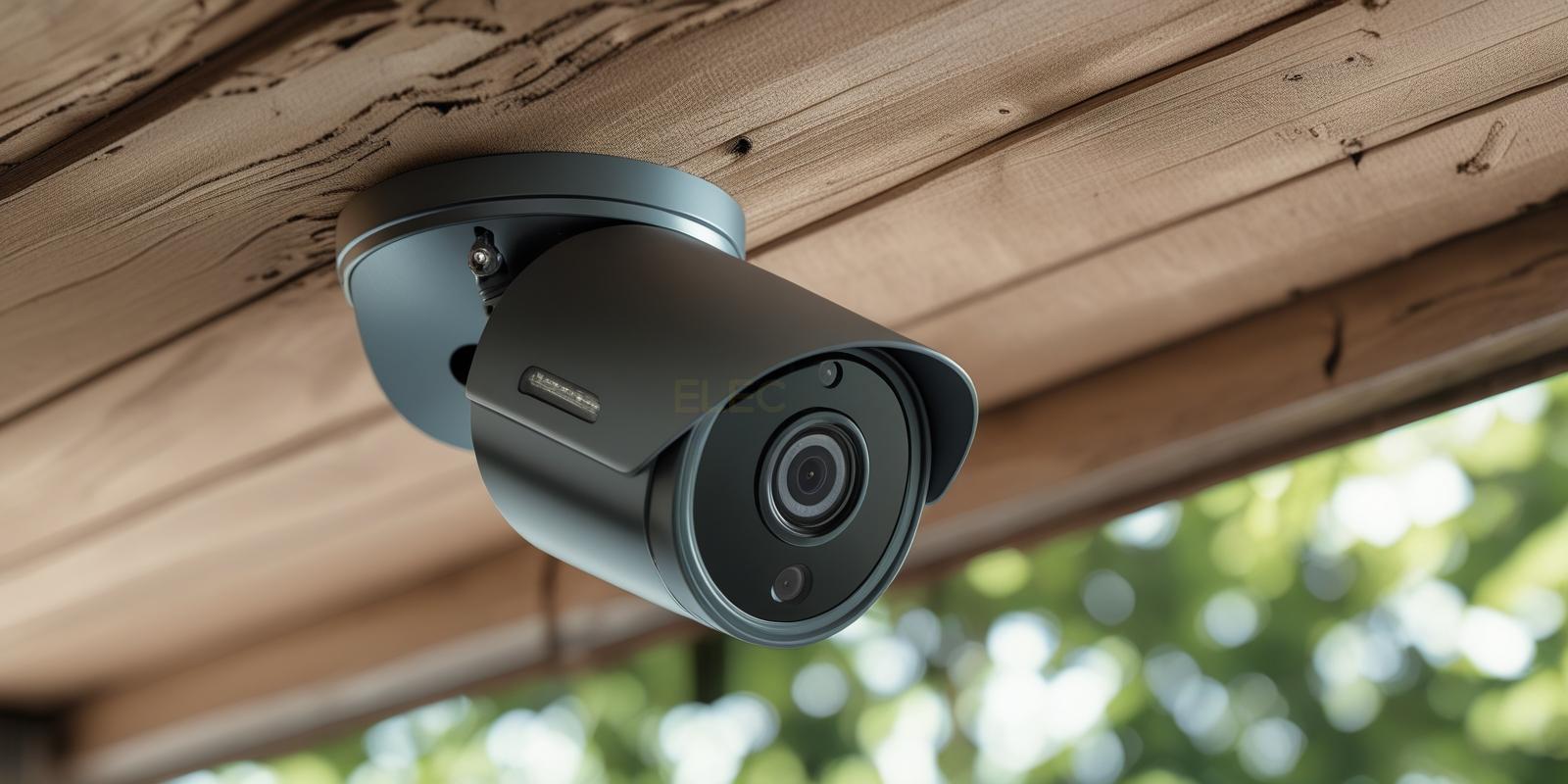
1.Why is the RJ45 connector at the end of the camera cable so bulky?
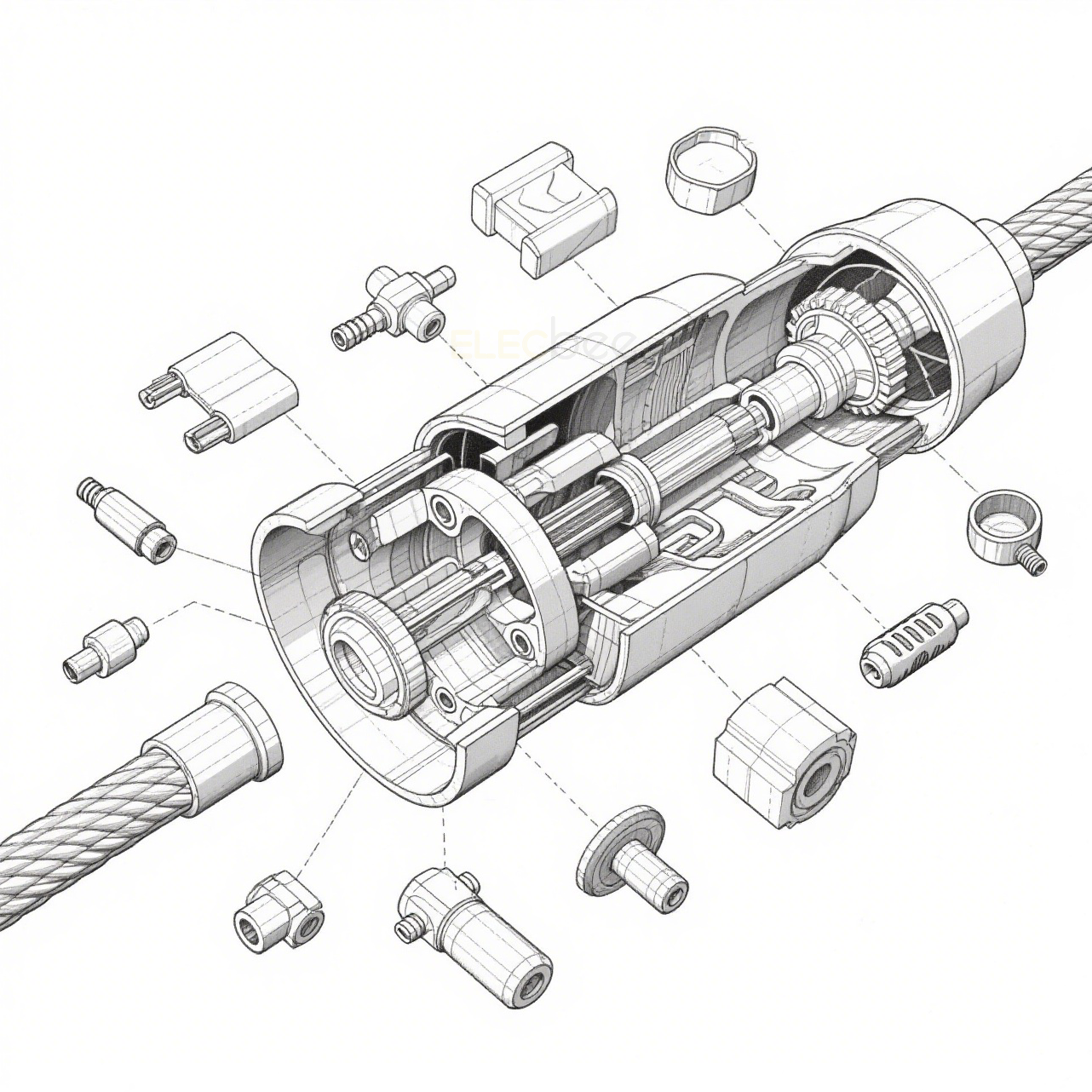
A pigtail dongle is not just an enlarged version of a regular network cable. It typically integrates multiple structural and protective functions:
1.1 Waterproof/dustproof sealed structure
Outdoor or semi-outdoor environments are characterized by rain, fog, dust, and high humidity. Large boots and seals increase the level of protection (such as the common need for IP protection) and reduce the risk of water short circuits, corrosion, rust and performance degradation.
1.2 Isolation of air and heat
In ceiling or cavity installations, holes are “conduits” for heat and moisture infiltration. Thicker wire end assemblies can better seal the gaps and help minimize the effects of hot air and moisture from the attic or outside on the interior or electronic parts of the equipment.
1.3 Tension Cushioning and Stress Dispersion
Multi-layer sheath, reinforcement or snap structure can share the force of the cable and reduce the damage of joints caused by construction pulling, bending or sagging after a long time.
1.4 Multifunctional integration
Some cable heads integrate power + data (e.g., network cable power), additional signal lines, grounding or sealing of accessory connectors, which take up space.
2.Why can't you go through small holes? --Specification, Space and Construction Misconceptions
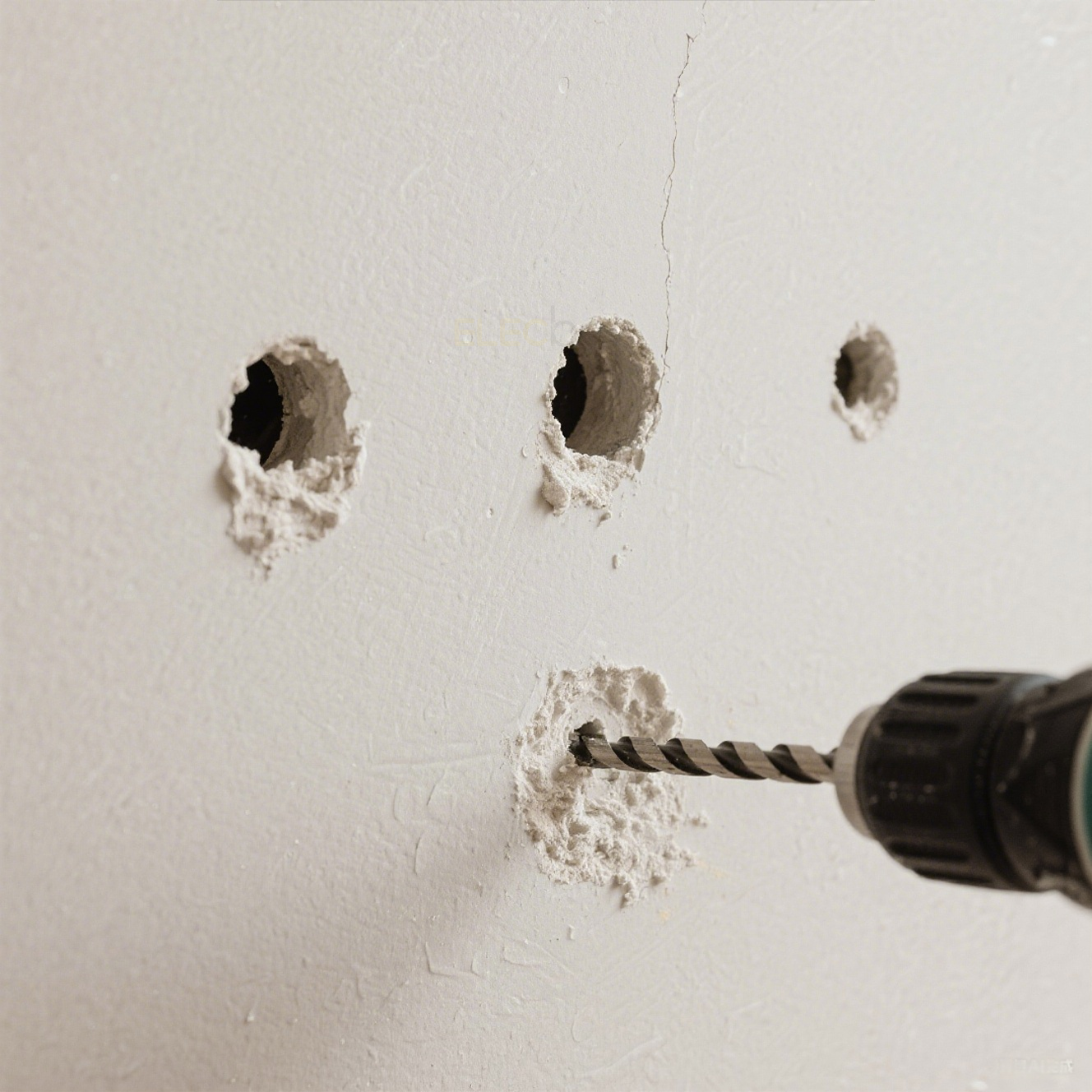
Many people think “the manual says it will fit through the small holes” but find out in the field that it won't. Common reasons for this are as follows:
|
Misconceptions |
Real Situation |
How to Respond |
|
Only measured the diameter of the wire |
ignoring the wire head sheath, sealing threads, snap structure |
to measure the maximum outside diameter of the whole wire tail |
|
Hole only to wire diameter |
need space to rotate, pull back, compatible with wall diagonal holes |
reserved redundant diameter (+5~10mm) |
|
Backfill sealing is required after installation |
Sealant parts themselves need space |
Selection of installation with flange or gasket |
3.Bulky cable head vs regular indoor cable head: key differences
|
Project |
Protective Camera Cable Heads |
Indoor General RJ45 Crystal Connectors |
|
Size |
large, including sealing sheath |
small |
|
Environmental adaptation |
Outdoor/humid/high dust |
Indoor office environment |
|
Sealing Performance |
Available with waterproof nut or sleeve |
No Seal |
|
Tensile protection |
often with cushion or sheath |
vulnerable to tensile damage |
|
Installation Hole Size Requirements |
large hole required |
Small holes for threading |
4.Practical Installation Tips (Reduced Hole Diameter, Enhanced Aesthetics)
Below are 6 practical tips from installation engineers and actual user feedback, which you can choose to use in combination depending on the site environment.
4.1 Precise measurement before drilling
Before opening the hole, use calipers to measure the maximum diameter of the wire, and leave the hole according to the “maximum outer diameter +5~10mm” to avoid secondary rework.
4.2 Use of junction box/protective base
If it is not convenient to enlarge the hole in the wall or ceiling, you can install a small junction box on the outside to hide the bulky wire head, and then thread the mesh wire into the wall with a smaller hole.
Recommended Accessories:Waterproof Box
4.3 Thread bare wires first, then terminate
Professional practice: thread uncrimped crystal head first through the small hole → to the outside before crimping/assembling the waterproof head. Suitable for aperture-sensitive and finely-decorated scenarios.
If you need flexible cabling and realize on-site termination, you may want to check out the waterproof RJ45 connectors we offer, suitable for both indoor and outdoor environments, supporting waterproof connections and engineering installations.
4.4 Add decorative rings or cover panels
Unsightly large hole? You can use decorative washers, panels, flange cover pieces to cover both ugly and dust.
4.5 Utilizing the detachable waterproof connector
Part of the mounting kit supports ‘external assembly and final tightening of the waterproof cover’, which reduces the dimensional burden during piercing.
4.6 Self-contained wireway or pipe run installation
In commercial or industrial environments, the wiring can be pre-wired through weak conduit, corrugated metal tubing, PVC trunking, and the interface is assembled outside the trunking without worrying about the aperture at all.
5.What parameters should be checked before selection?
When purchasing network cables and connecting components for cameras or outdoor equipment, it is recommended to focus on the following points:
- Cable type (Cat5e / Cat6 / Cat6A, etc.):bandwidth and transmission distance requirements.
- Shielding (U/UTP, F/UTP, S/FTP...):Anti-interference requirements.
- Outer sheath material:outdoor, sunlight resistance, abrasion resistance, low smoke and halogen-free and other characteristics.
- Adaptable connector type:whether to support waterproof housing, thread sealing, crimp assembly.
- Minimum bending radius:especially important when working in tight spaces.
|
Specification |
Cat.5 |
Cat.5e |
Cat.6 |
Cat.6a |
Cat.7a |
|
Transmission Speed |
100Mbps |
1Gbps |
1/10Gbps |
10Gbps |
10Gbps |
|
Frequency |
100 MHz |
100 MHz |
250 MHz |
500 MHz |
501 MHz |
|
Transmission Distance |
100m |
100m |
100m(1Gbps),55m(10Gbps) |
100m |
100m |
|
Application |
100BaseT Ethernet |
Gigabit Ethernet, residential homes |
Gigabit Ethernet, commercial buildings |
Gigabit Ethernet, data centers, and commercial buildings |
10Gbps core infrastructure |
|
Applicable Scenarios |
Family,Small Office |
Family,Office,Medium-sized Enterprises,business |
Enterprise,Data Center |
Enterprises,Large Enterprises,Data Center,Factories,Hospitals |
Enterprises,Large Enterprises,Data Center,Factories,Hospitals |
6.How to install a camera with a bulky wire head without destroying the decor?
Scenario: Finished wood soffit, need to install an outdoor webcam but don't want large holes to ruin the look.
Solution Path:
6.1 Drill 8mm pilot holes from inside to outside.
6.2 Thread in bare network cable (not crimped).
6.3 Outside access to the waterproof RJ45 component and connect the camera.
6.4 Use a mini waterproof cover with a decorative ring to cover the holes
6.5 Add decompression clips at cable bends.
7.FAQ:Quick Answers to Common Installation Questions
Q1:Do I have to put the bulky wire ends through the wall?
Not required. May be threaded and then terminated, or relayed using a junction box.
Q2:What is the proper size of the hole?
Measure the maximum outer diameter of your wire +5~10mm. if the wall material is brittle (gypsum board), it is recommended to cooperate with the masking panel.
Q3:Can I use ordinary indoor network cable instead?
It works for short periods of time, but is high risk in wet, outdoor or temperature difference environments and is not recommended.
Q4:Are there any cables that are easier to install?
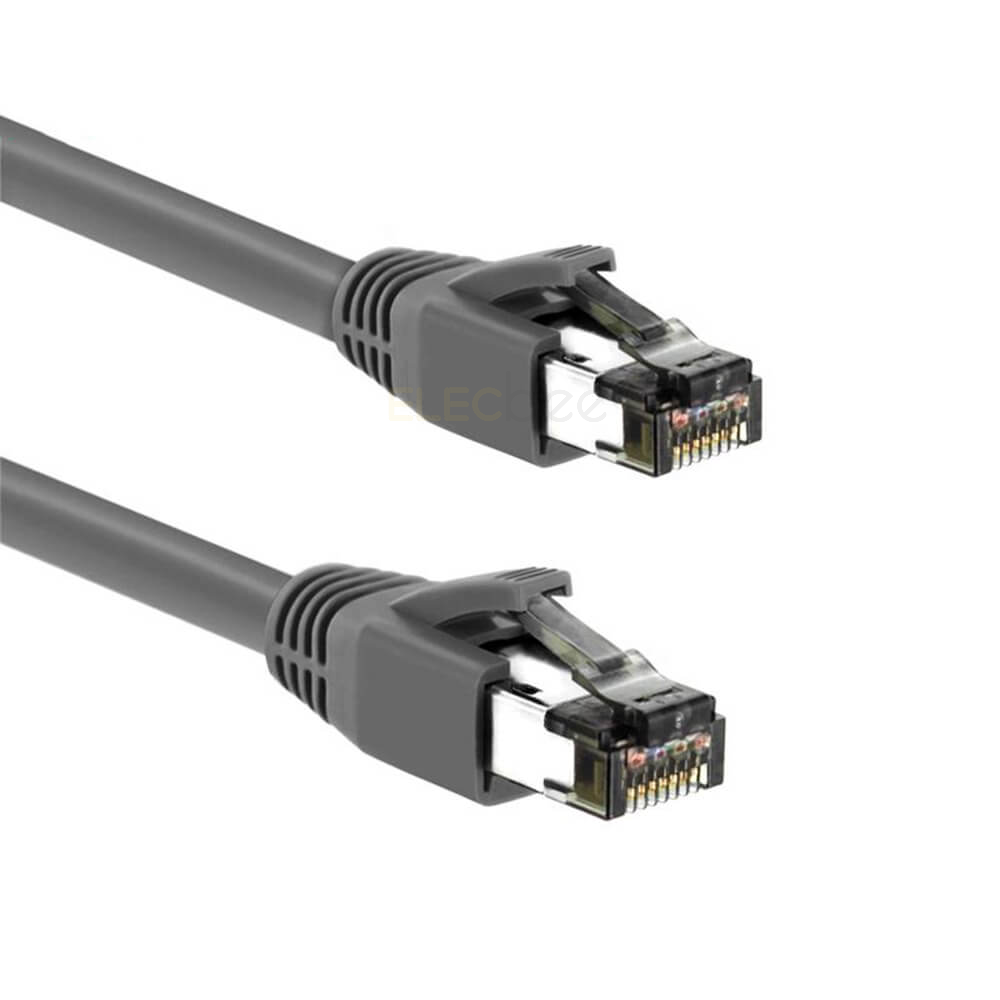
Optional RJ45 cable with length marking and flexible design for easy construction and wiring.
8.Conclusion: Don't worry about “big threads”, planning ahead is the key!
When installing surveillance systems, routing equipment or outdoor networking projects, many people have a problem with the “bulky” design of the RJ45 pigtail assembly, which can make wiring more difficult.However, these “seemingly bulky” designs are actually designed to be waterproof, dustproof, resistant to stress and corrosion, and reliable for long-term installations.In outdoor or industrial-grade application environments, once the interface has poor contact due to water vapor, dust, or external force, subsequent maintenance is not only cumbersome, but may also result in network interruption and equipment damage.Instead of frequent maintenance during use, it is better to solve the problem at the source by choosing high-quality, well-constructed cables and accessories at once.
In fact, it is not the RJ45 product itself that really affects the experience, but the lack of complete planning before installation.For example, not considering the aperture size in advance, resulting in the inability to thread the wire smoothly; or choosing ordinary wires but applying them to outdoor environments that require weather resistance and UV protection.Reasonable layout in advance, including aperture design, cable specification selection, route planning, etc., can effectively avoid construction rework and installation troubles.
For different application scenarios, you can choose shielded S/FTP cables to enhance anti-interference performance, or RJ45 extension cables with waterproof tail assembly to enhance outdoor protection.Combined with high-quality connectors and accessories, it not only ensures stable signal transmission, but also significantly extends the service life.
If you are planning a surveillance system, weak wiring or outdoor networking equipment, we recommend browsing our wire cable series, we will provide you with a complete adapted program and technical support, to help you choose the right product at once, free of subsequent trouble.