KRW ₩
USD $
EUR €
JPY Ұ
CAD Can.$
MXN Mex.$
GBP £
CHF SF.
NOK N.Kr.
SEK S.Kr.
HUF Ft
AUD $A.
NZD $NZ.
TRY £T. (TL.)
ILS ₪
SAR S.R.
AED د. إ。
INR Re.
PHP ₽
SGD S.$
THB BT.
MYR M.$
CNY RMB¥
MOP PAT.
TWD NT$
HKD HK$
VND D.
IDR Rps.
BRL Gr.$
Step 1: Go to the register page.
▪ Method one: Click the "Register" button when hovering over the Login icon on the homepage.
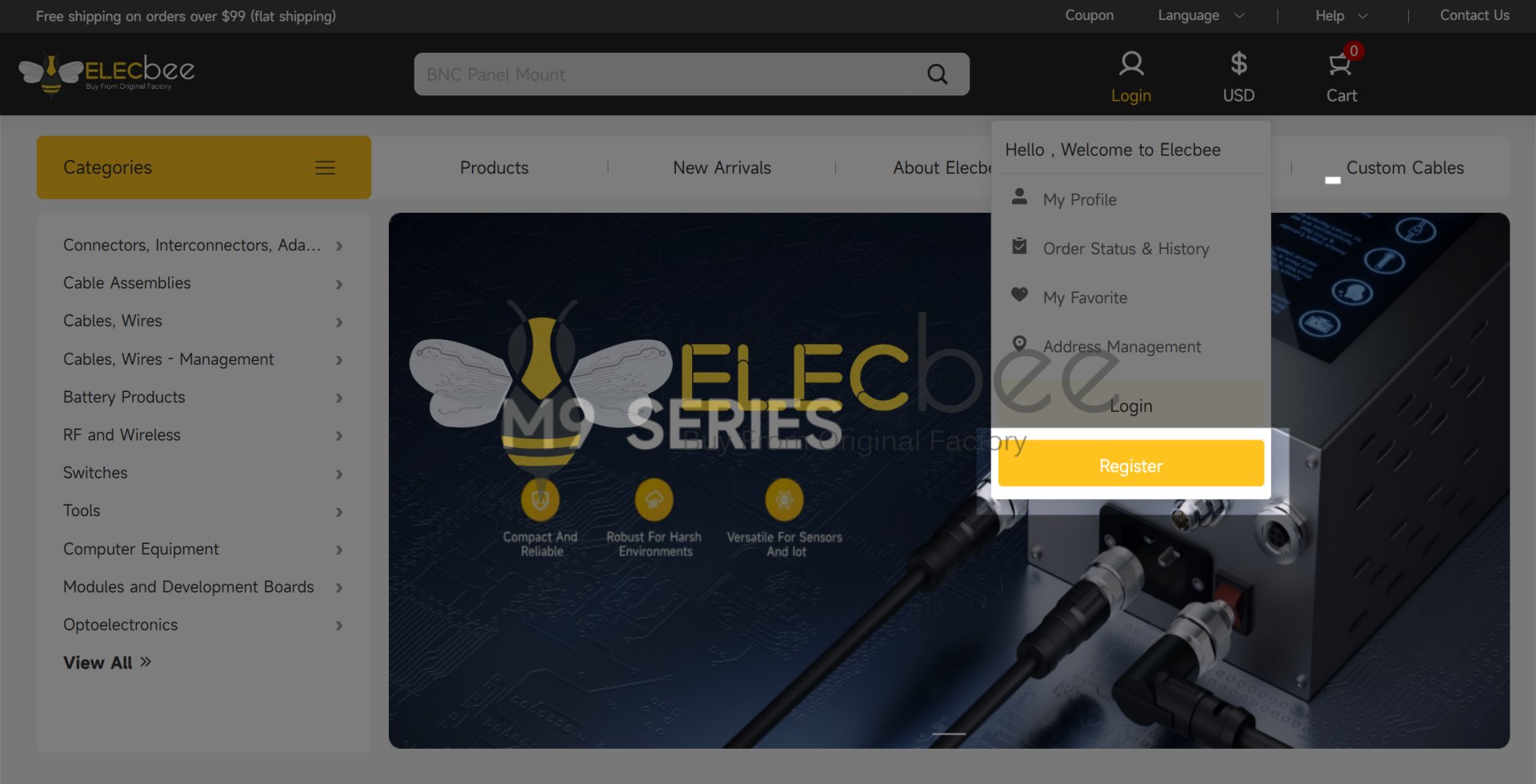
▪ Method two: On the homepage, hover over the login icon and click “Login.” Next, select “Create My ELECBEE Account” to proceed with the registration process.
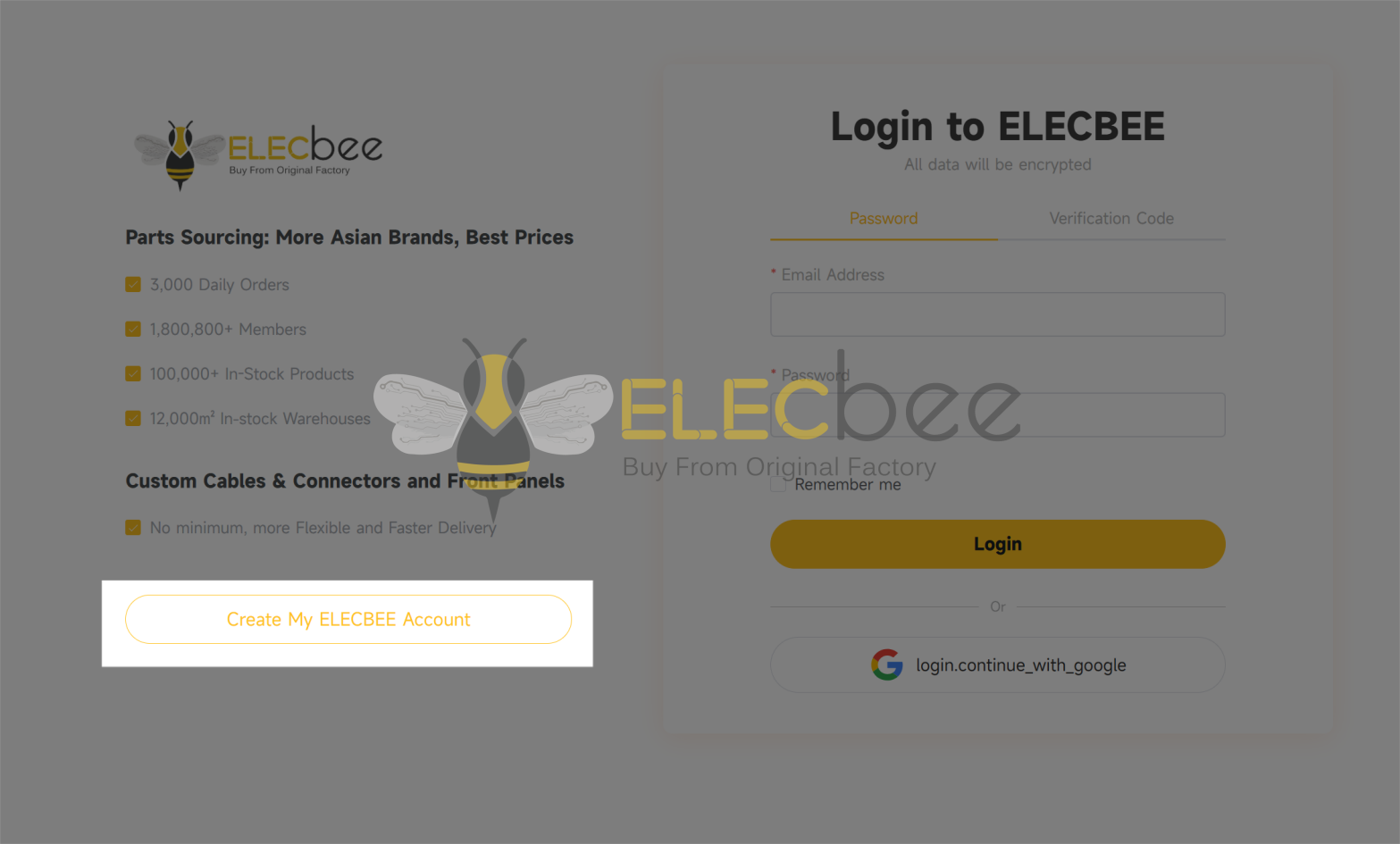
▪ Method three: Click here to create your Elecbee account.
Step 2: Fill out the registration form
Please fill out the required information in the registration form.
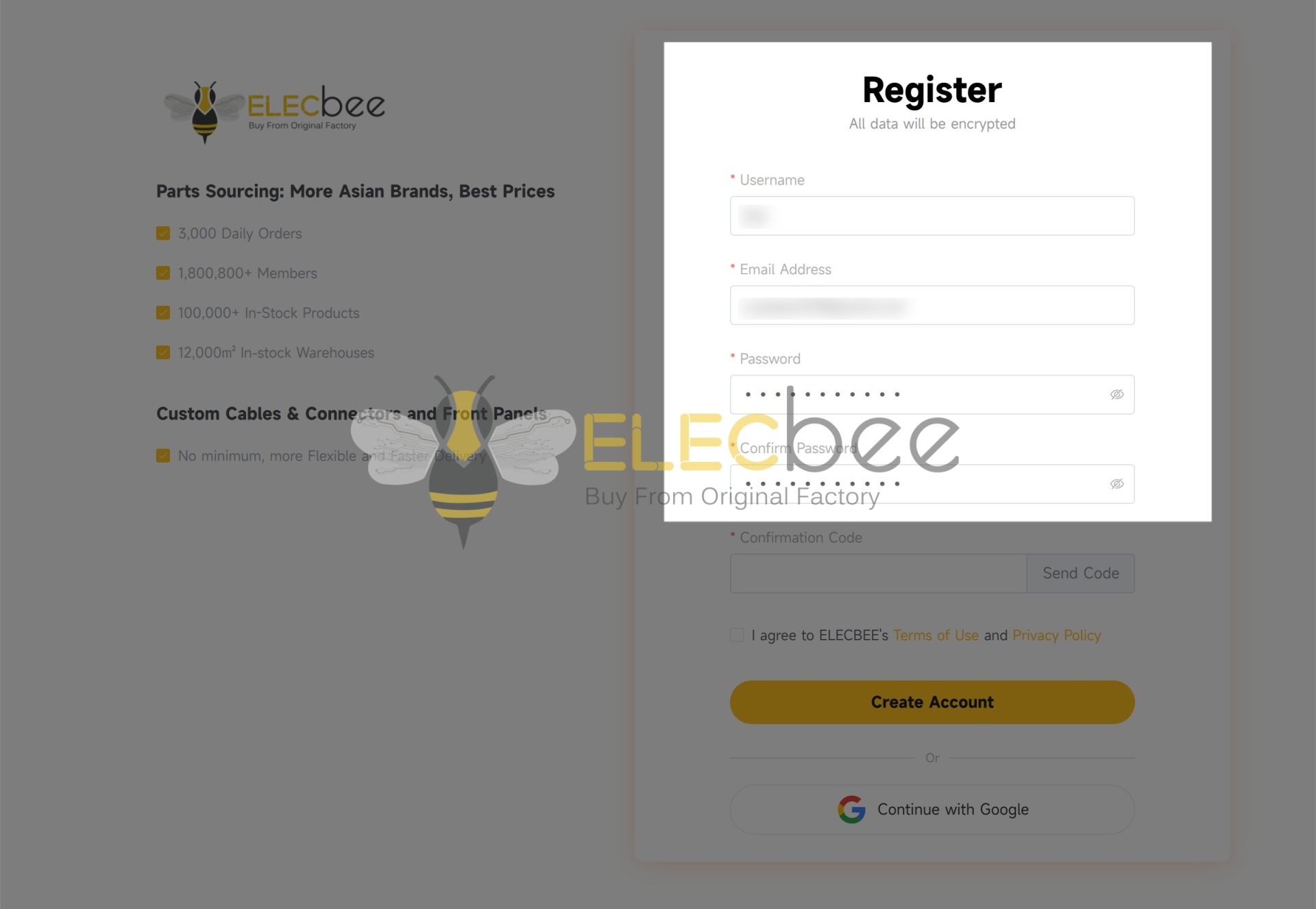
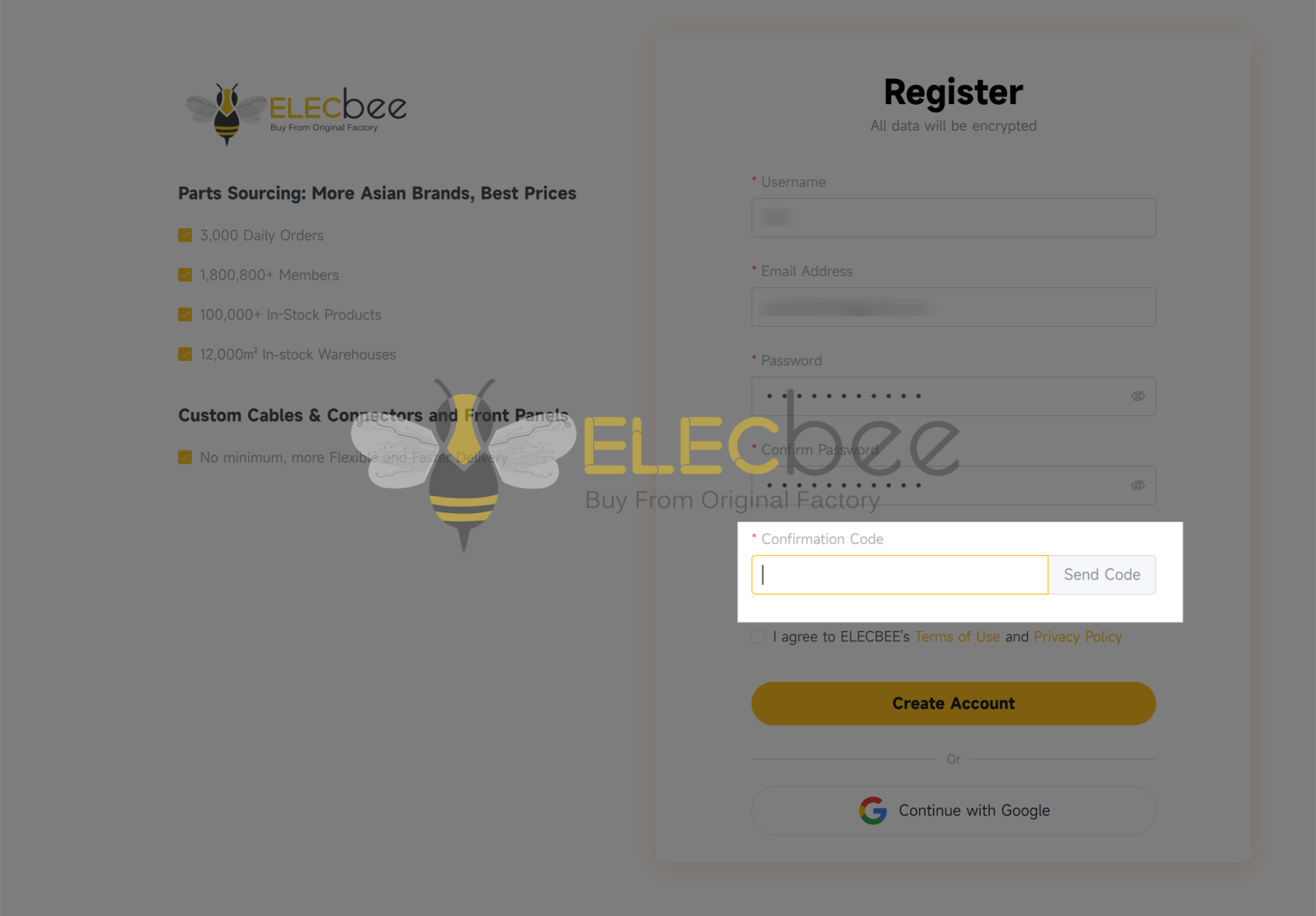
Step 3: Security verification
Click the "Send Code" and you will receive an email about the account confirmation code. Please copy and enter the confirmation code on the register page.
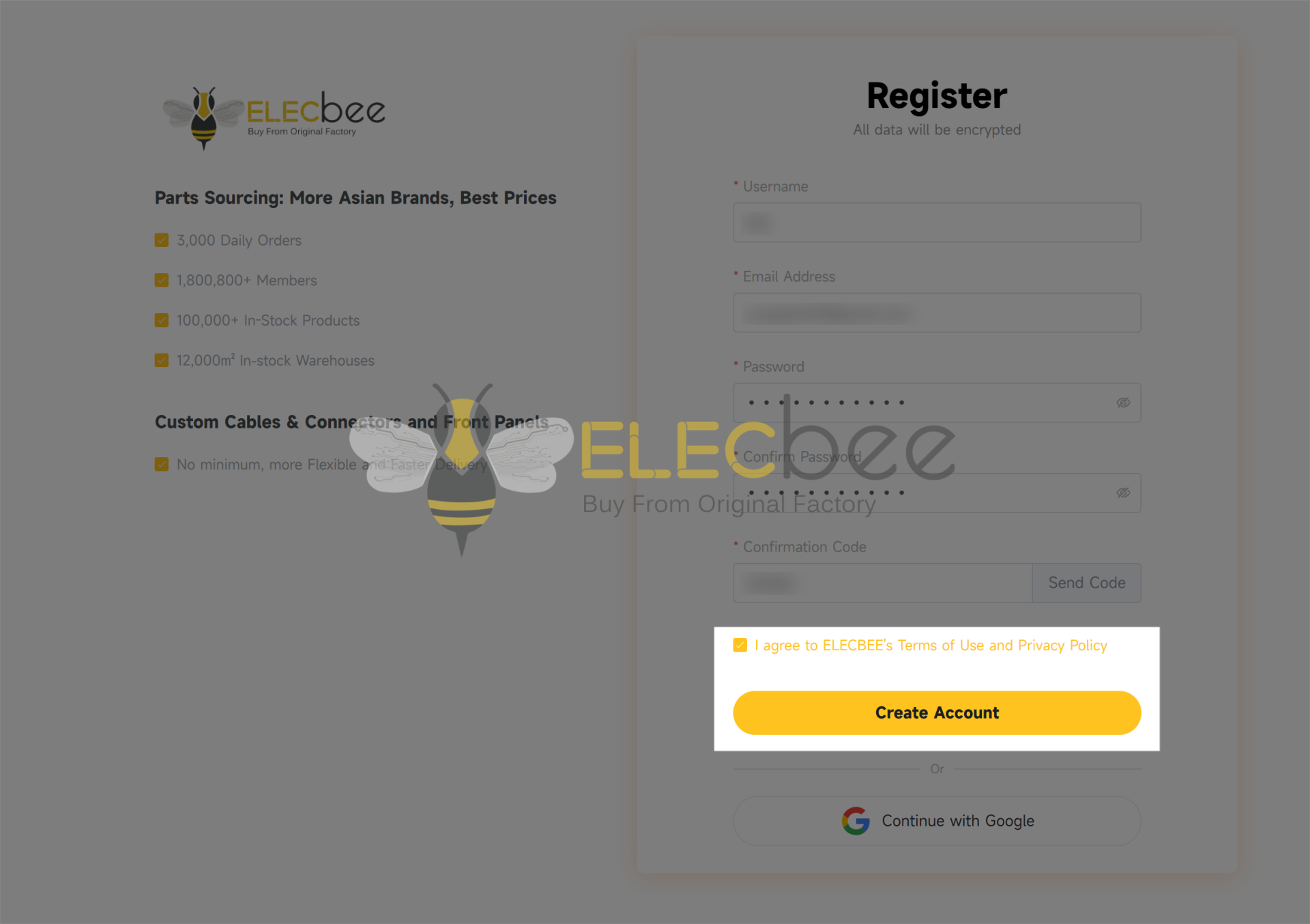
Step 4: Confirm and complete
Tick the boxes and click the "Create Account" button to complete the registration.
Note:
▪ If no relevant emails are in your inbox, please check your spam or trash folder.
▪ If the emails never arrive, please contact us via email at support@elecbee.com.
Step 1: Log in to your Elecbee account.
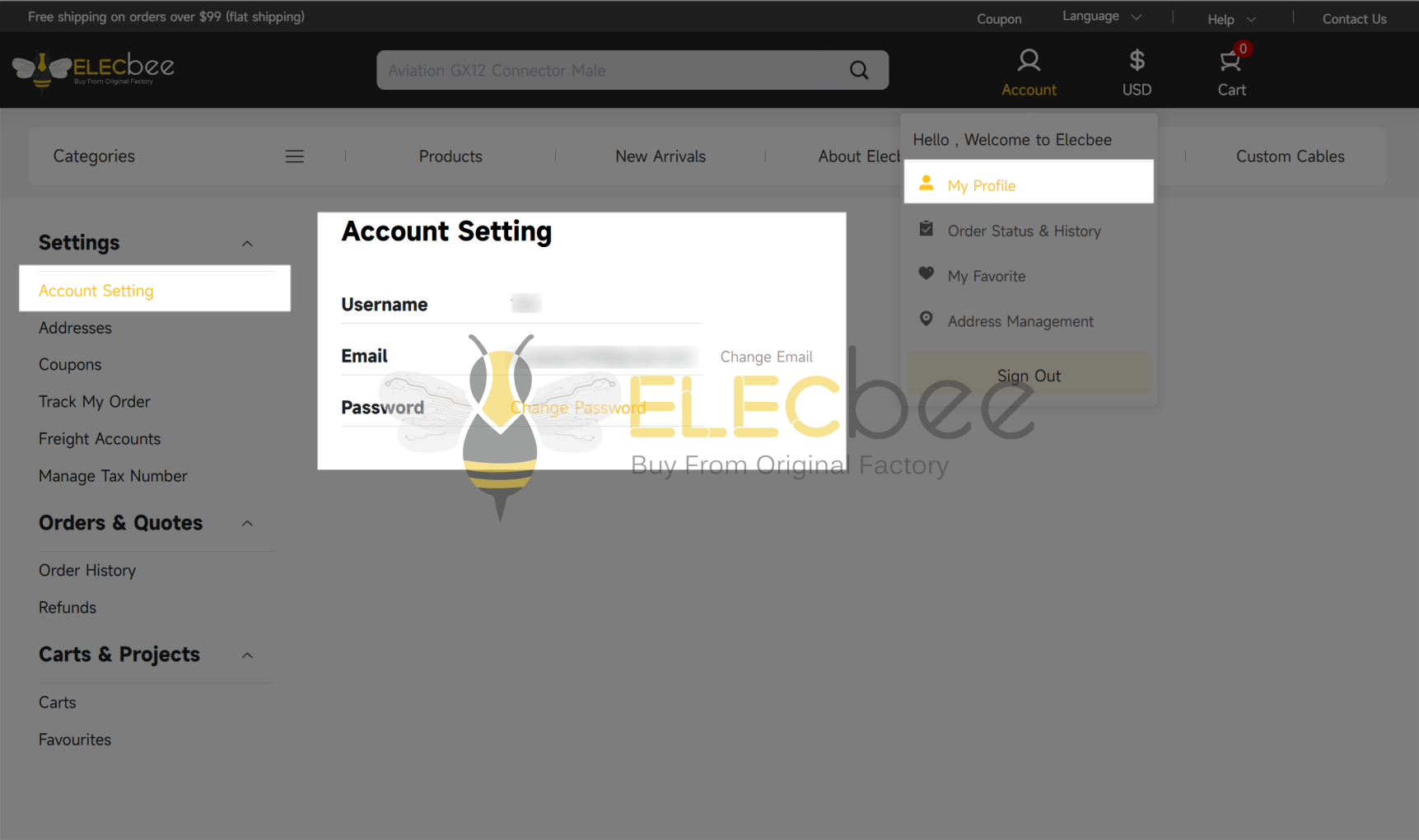
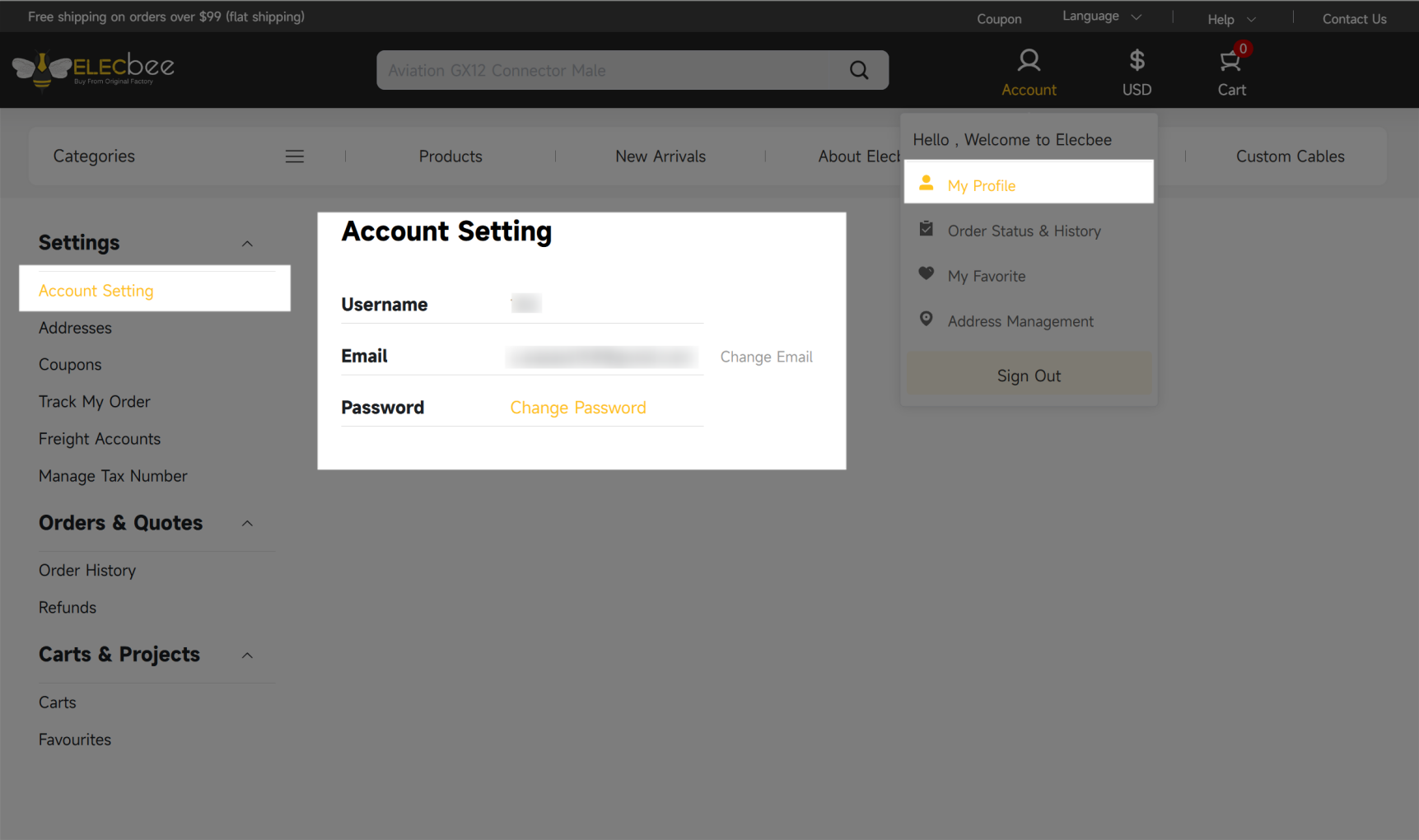
Step 2: Hover over the login icon on the homepage and click “My Profile”.
Step 3: In your account dashboard, you will see the Account Setting displayed on the left-hand side. From there, you can update your personal details such as username, e-mail, and password.

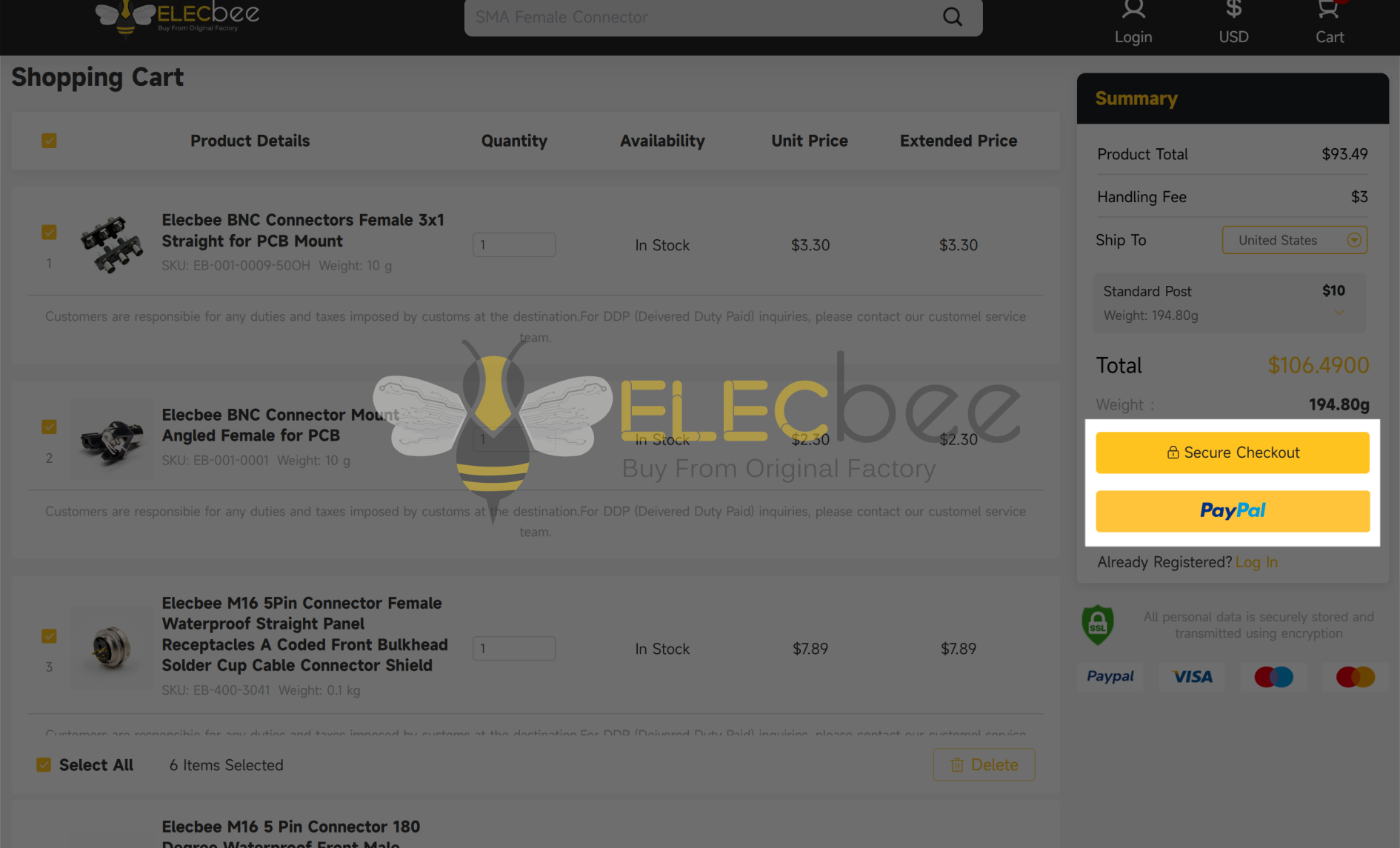
Yes, you can purchase without logging in to an Elecbee account. We support PayPal, Payoneer (for credit card payments), as well as bank transfer.

However, having an Elecbee account allows you to enjoy more features!
(Check the FAQ "What are the benefits of registering with Elecbee?" to get more relevant information.)
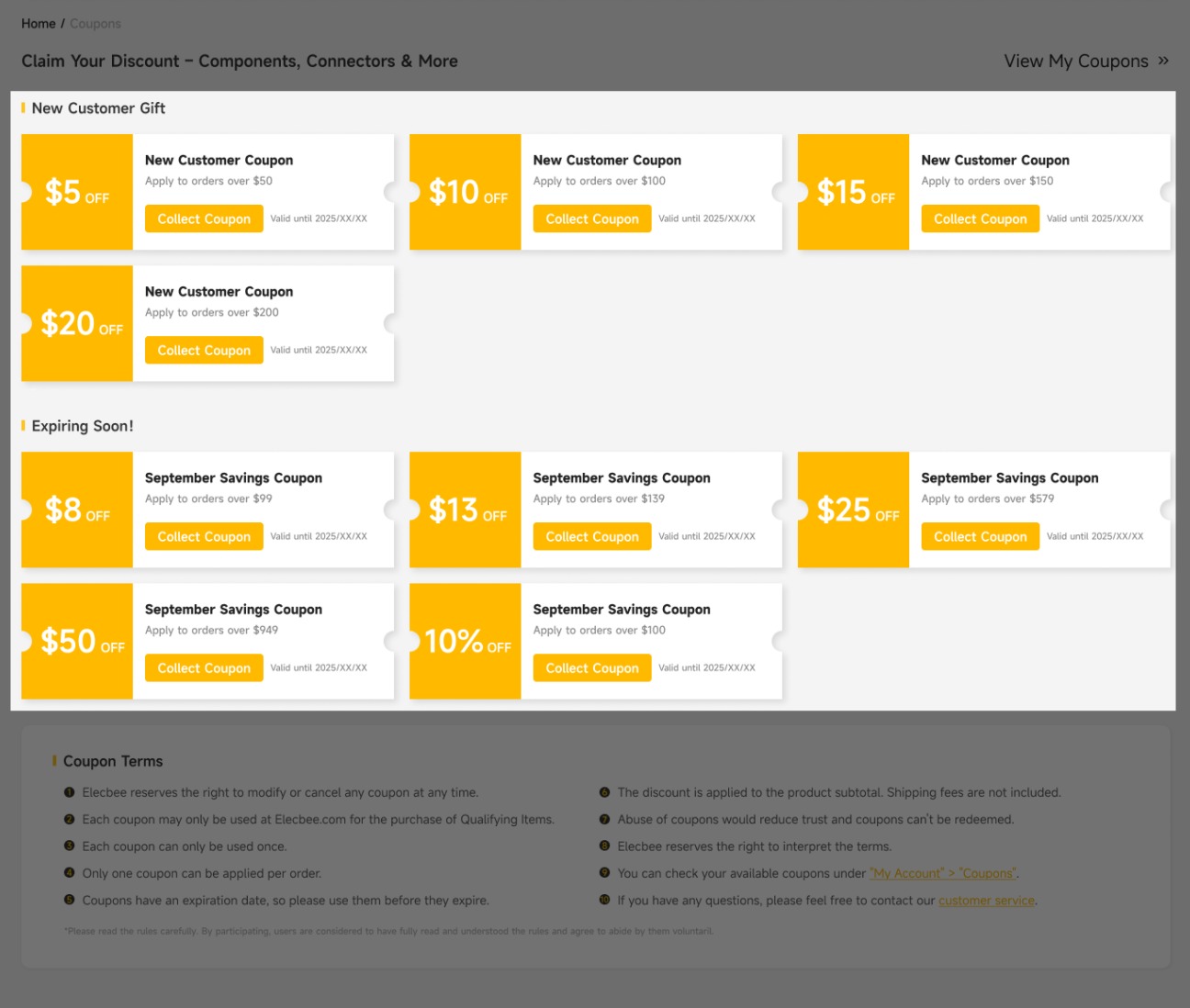
1.Register to get exclusive new customer coupons and more.

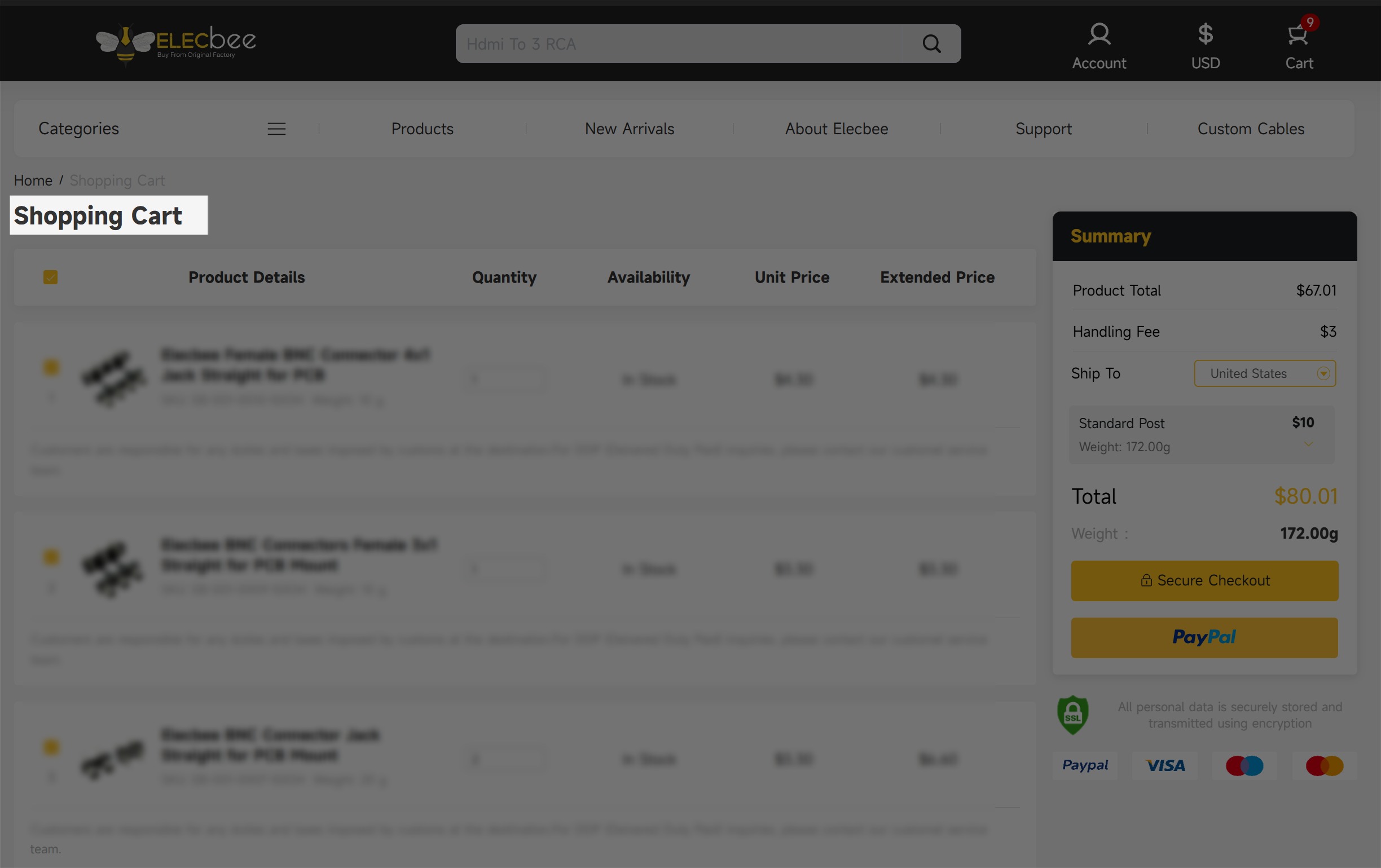
2.Shopping cart records and order history can be automatically saved.

3.Products can be added to the "My favorite" list.

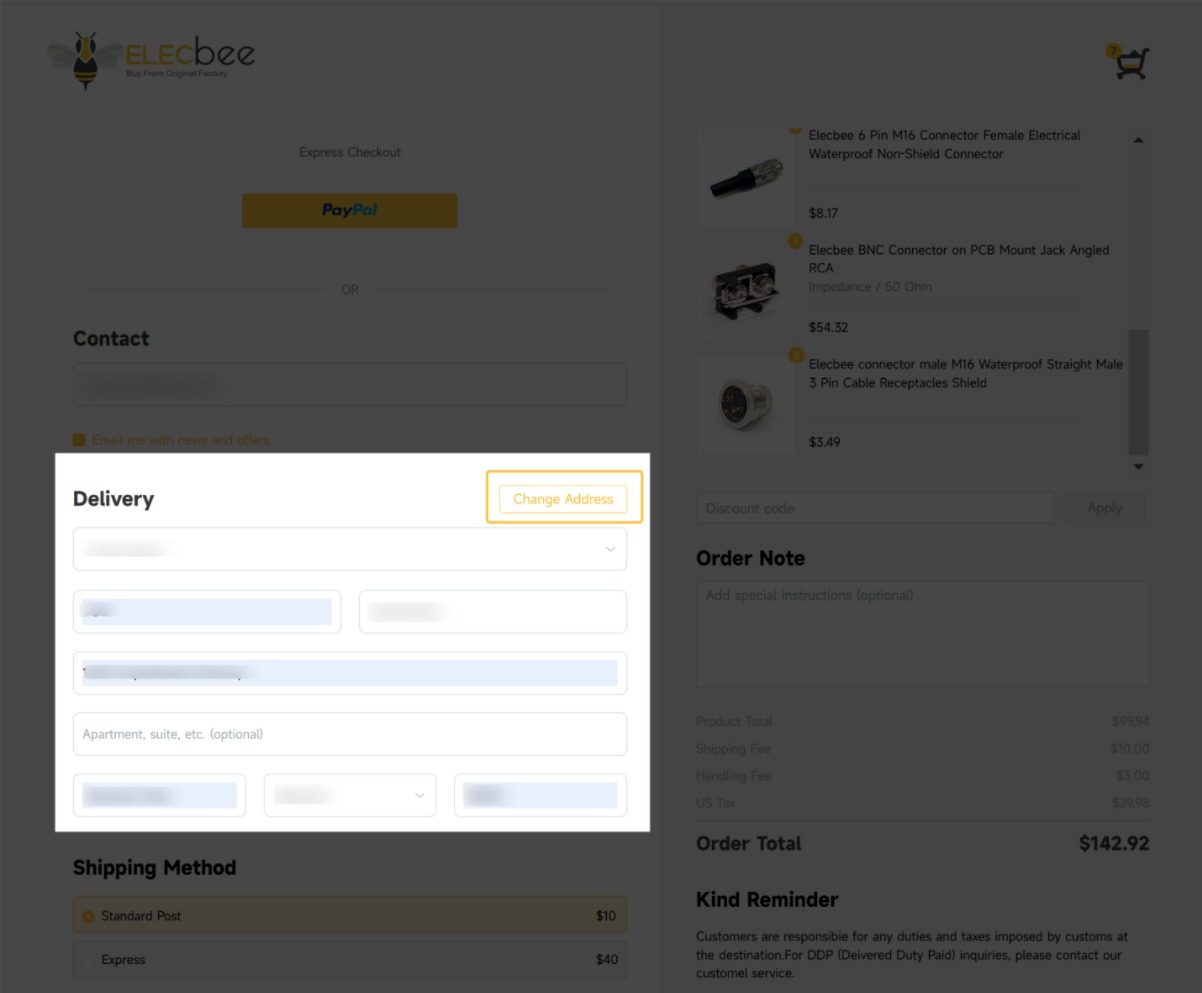
4.Address Management Features
Your previously entered addresses are automatically saved to your account, with support for the following functions:

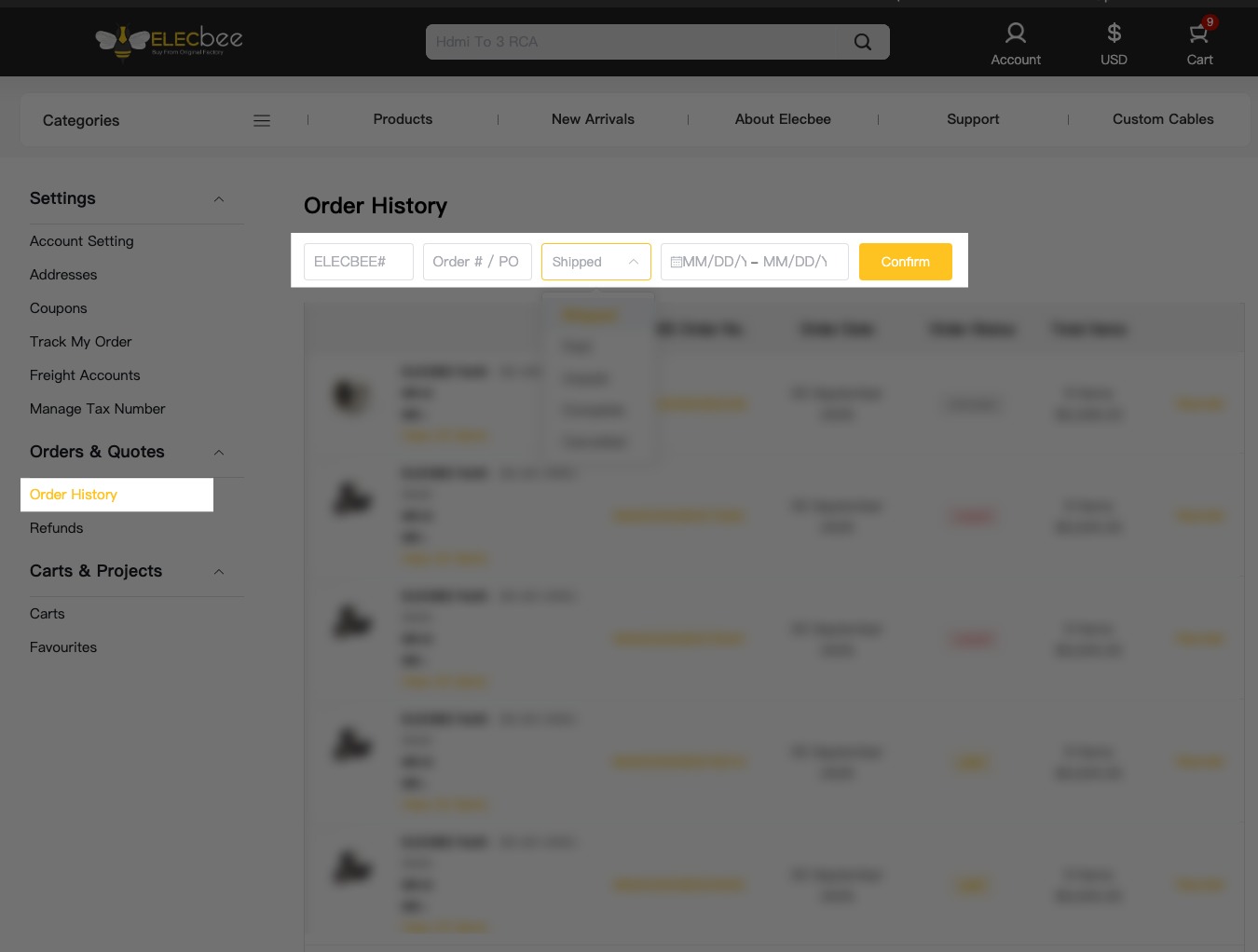
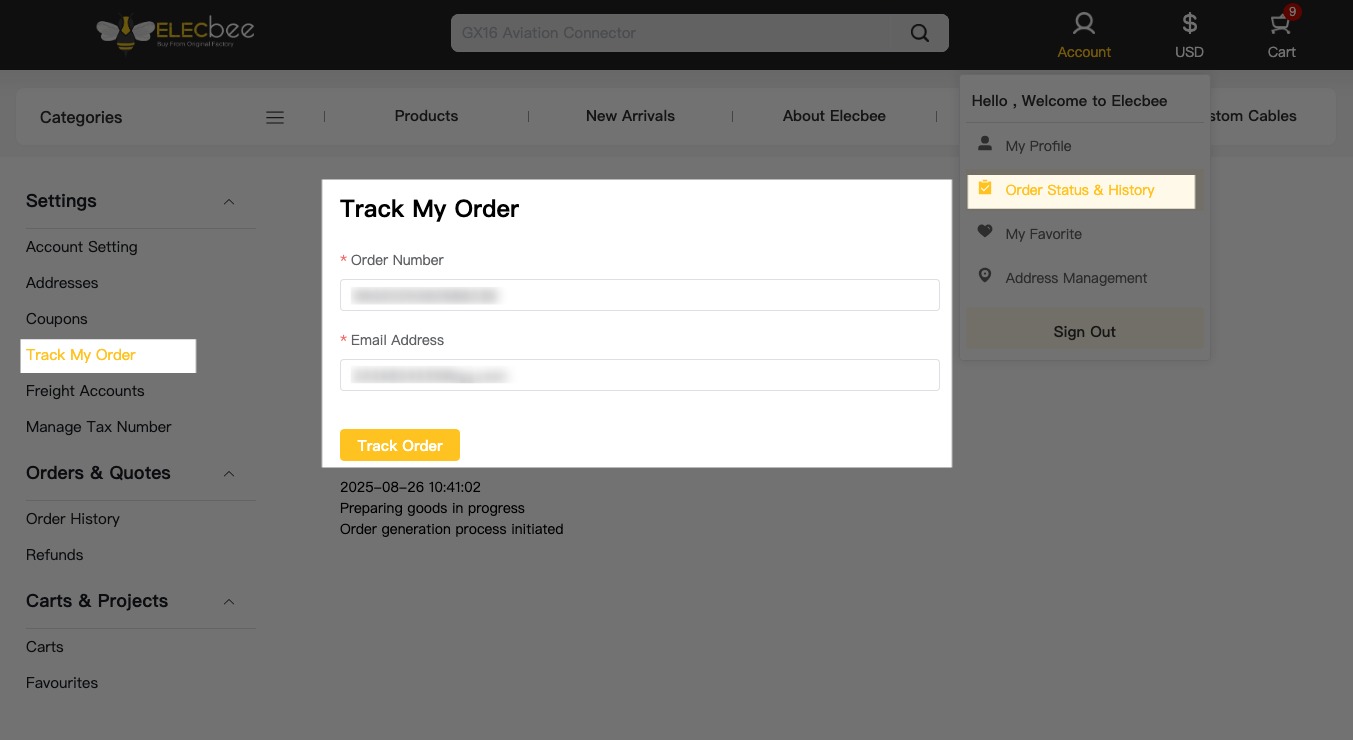
5.Access your Account Dashboard to manage, monitor, and track your orders in real time:


More to explore. Click here to register now.
Case one: You're in logged-out status
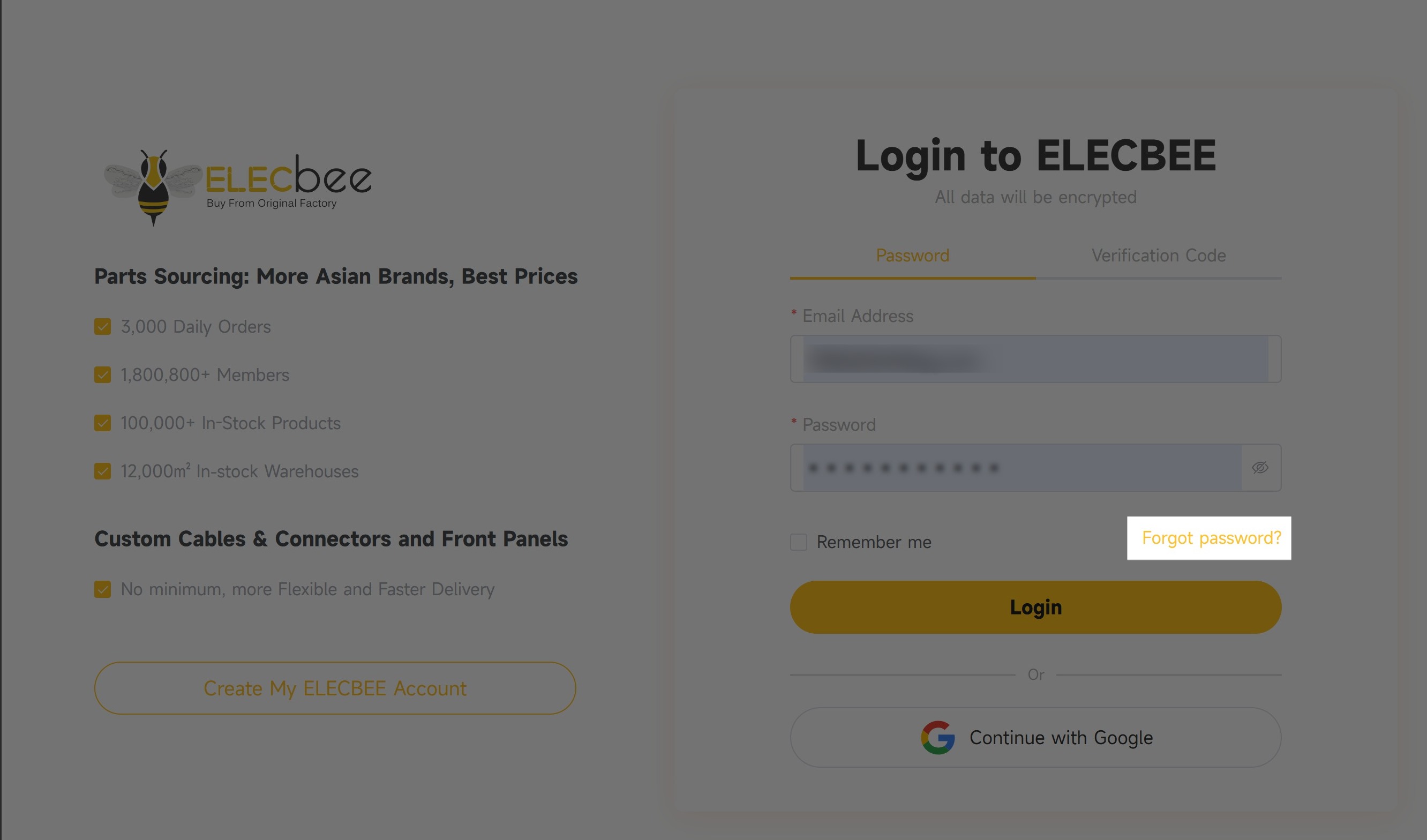
▪ Method one: If you forget your password, please click the "Forgot password?" link as indicated on the Login page.

▪ Method two: Click here to reset your password.
Note: Please make sure you are in logged-out status before resetting the password.
Case two: You're in logged-in status
Step 1: Hover over the login icon and click “My Profile”.
Step 2: In the left-hand menu, select “Account Settings”.
Step 3: Click “Change Password” to update your password.

Note: If you need to update your email address, click the “Change Email” .
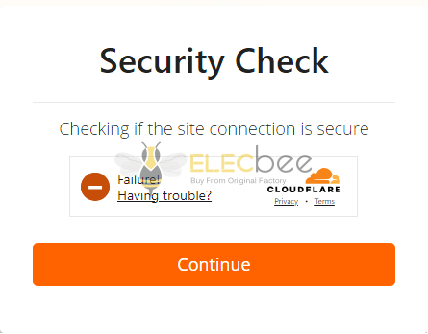
If you are experiencing difficulties logging into your Elecbee account, this may be caused by a Cloudflare verification failure.

a. JavaScript is disabled in the browser
Solution: JavaScript / Ensure JavaScript is enabled
b. Cookies are blocked by the browser or extensions
Solution: Cookie / Allow the website to use cookies
c. Ad-blockers or privacy extensions are interfering
Solution: Temporarily disable ad-blockers or privacy extensions
d. IP address flagged as suspicious by Cloudflare
Solution: Switch to a stable network, avoid risky VPNs/proxies
e. Outdated or incompatible browser version
Solution: Update your browser to the latest version
Note: If the issue persists, please contact our support team at support@elecbee.com. When reaching out, kindly provide a detailed description of the problem along with the following information: