商品图

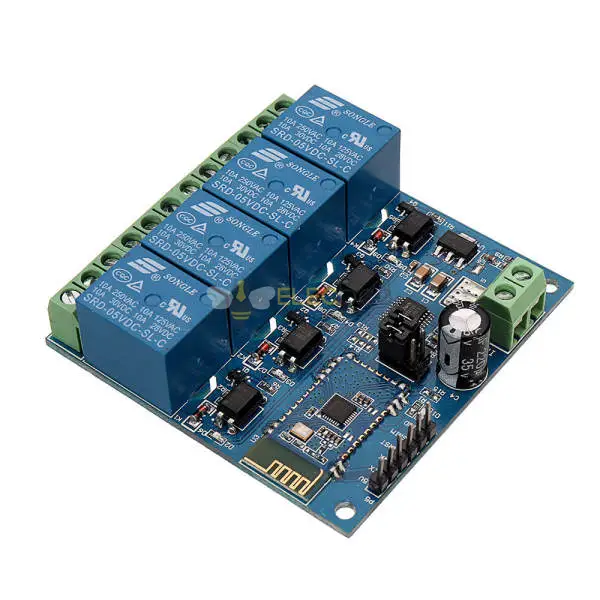
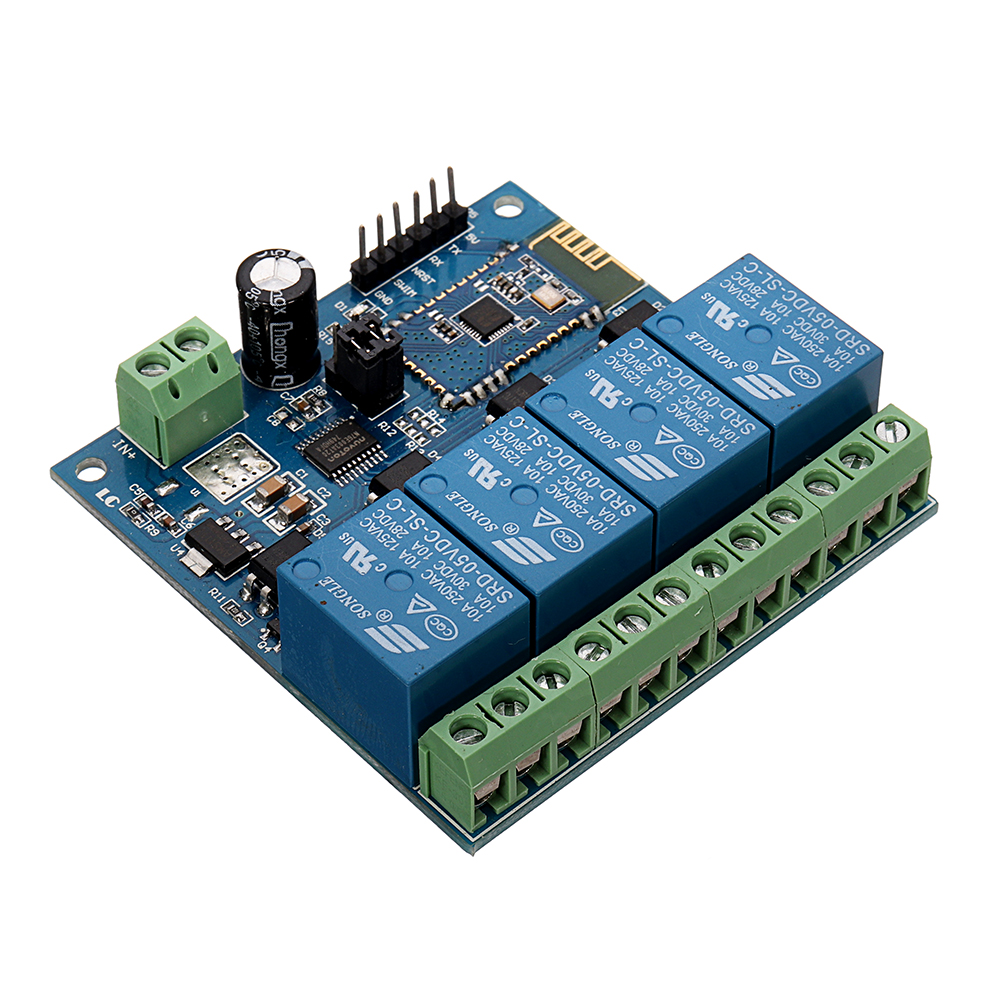
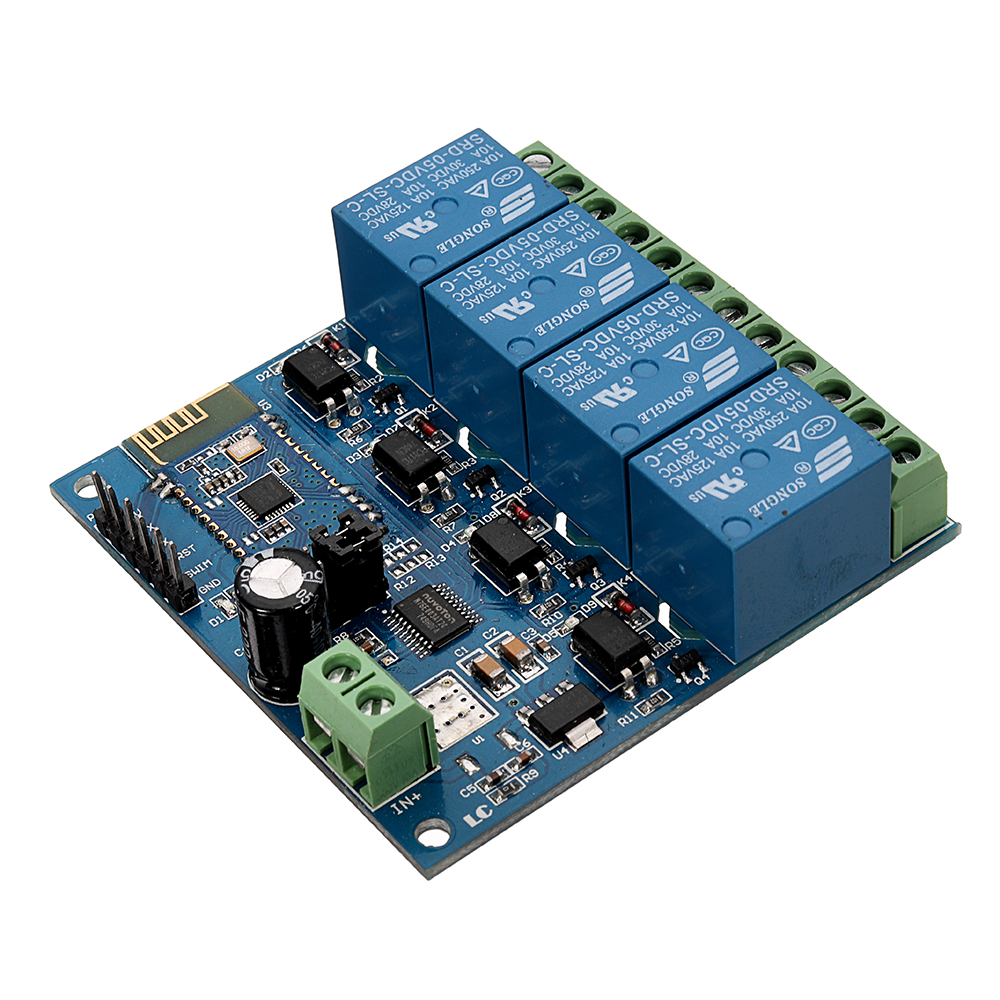
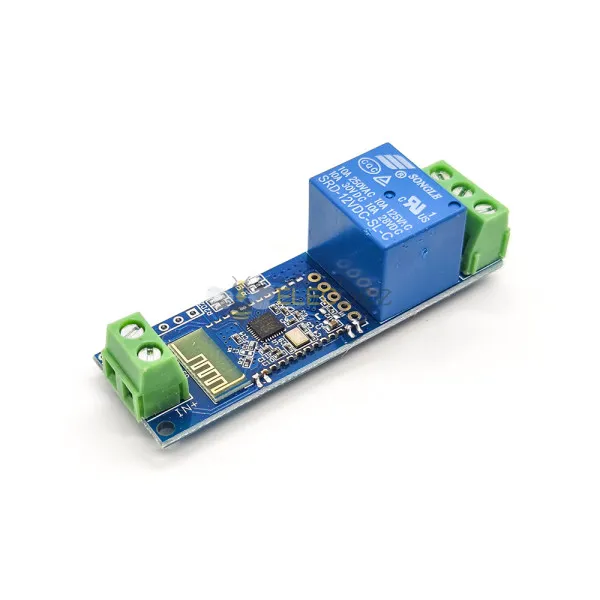
Elecbee DC5V 4-Channel Android Mobile bluetooth Relay Module

SKU: EB0047756
Favorites
Key Features

 
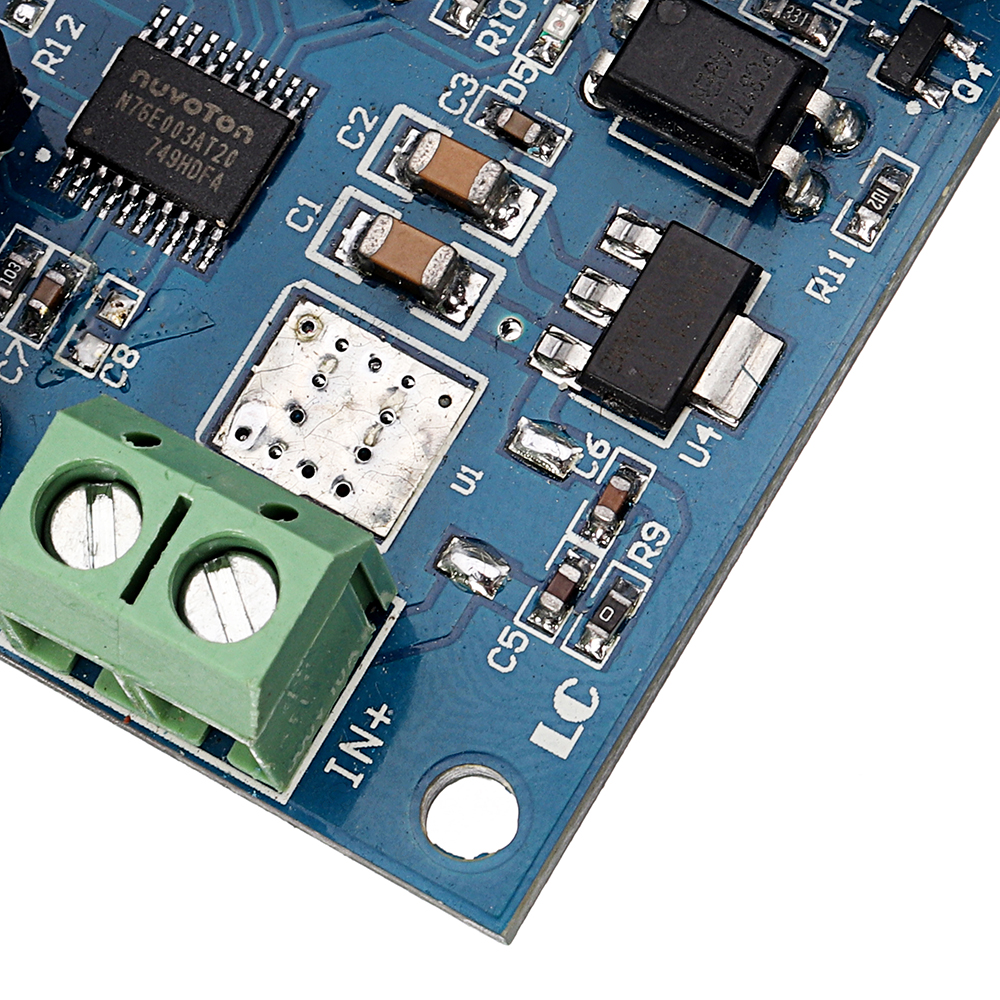
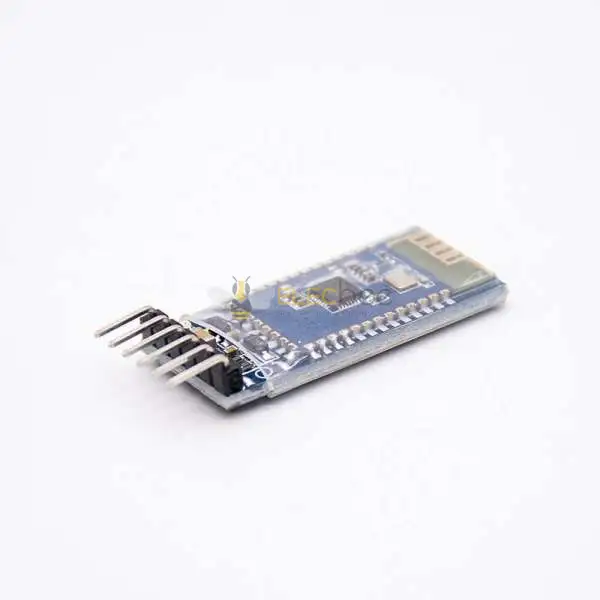
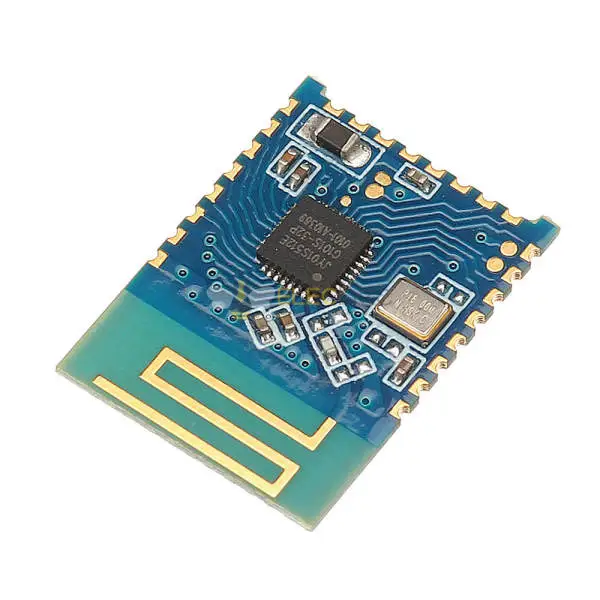
1, On-board N76E003/STM8S003 and SPP-C bluetooth 2.1 module
2, The relay can be controlled with APP
3, Effective control distance(on open area): 10m
4, Power supply: 5V
5, On-board 5V, 10 A / 250 v AC 10 A / 30 v DC relay, absorb 100000 times
continuously, Module with diode effusion protection, short response time
6, On-board optocoupler isolation components, anti-interference ability is strongly
7, On-board bluetooth indicator and relay indicator LED
8, On-board preserved UART debug interface(Baud rate is 9600) and MCU program interface
9, Size: 62.7*63.2mm
 
Interface:
 
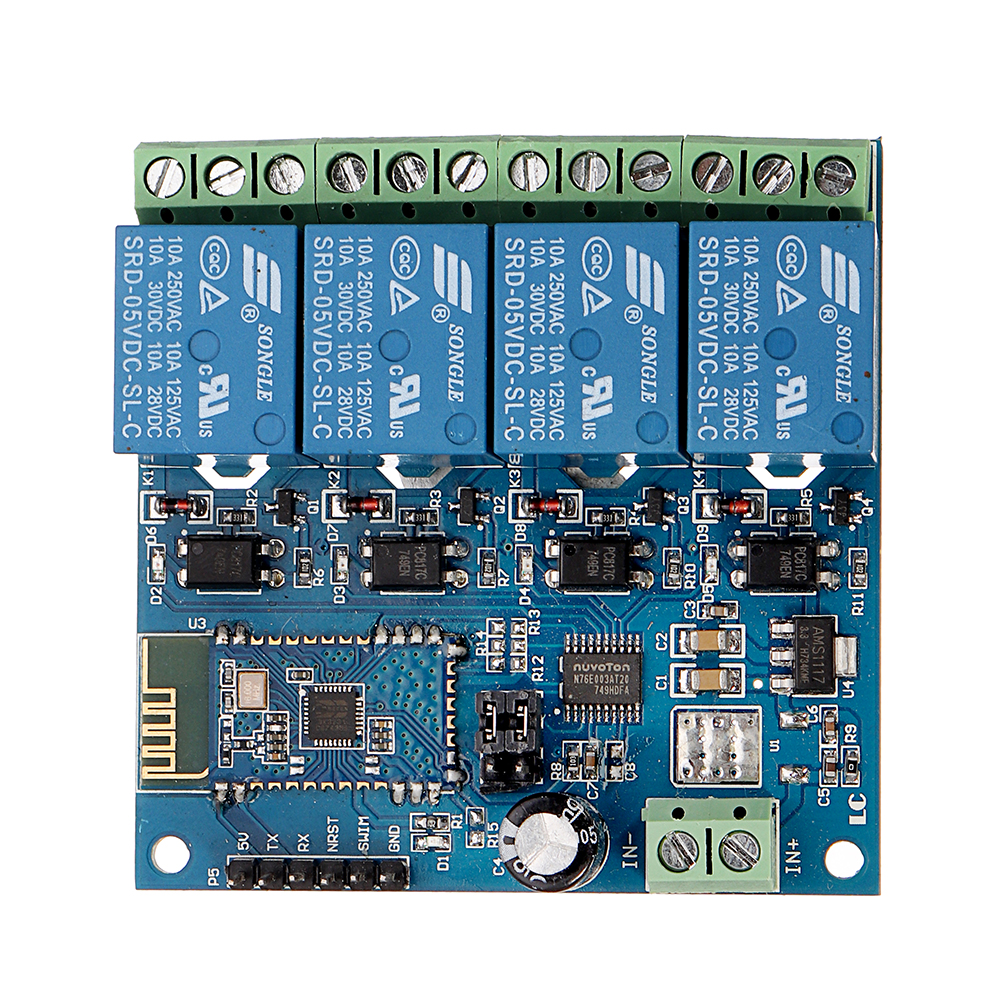
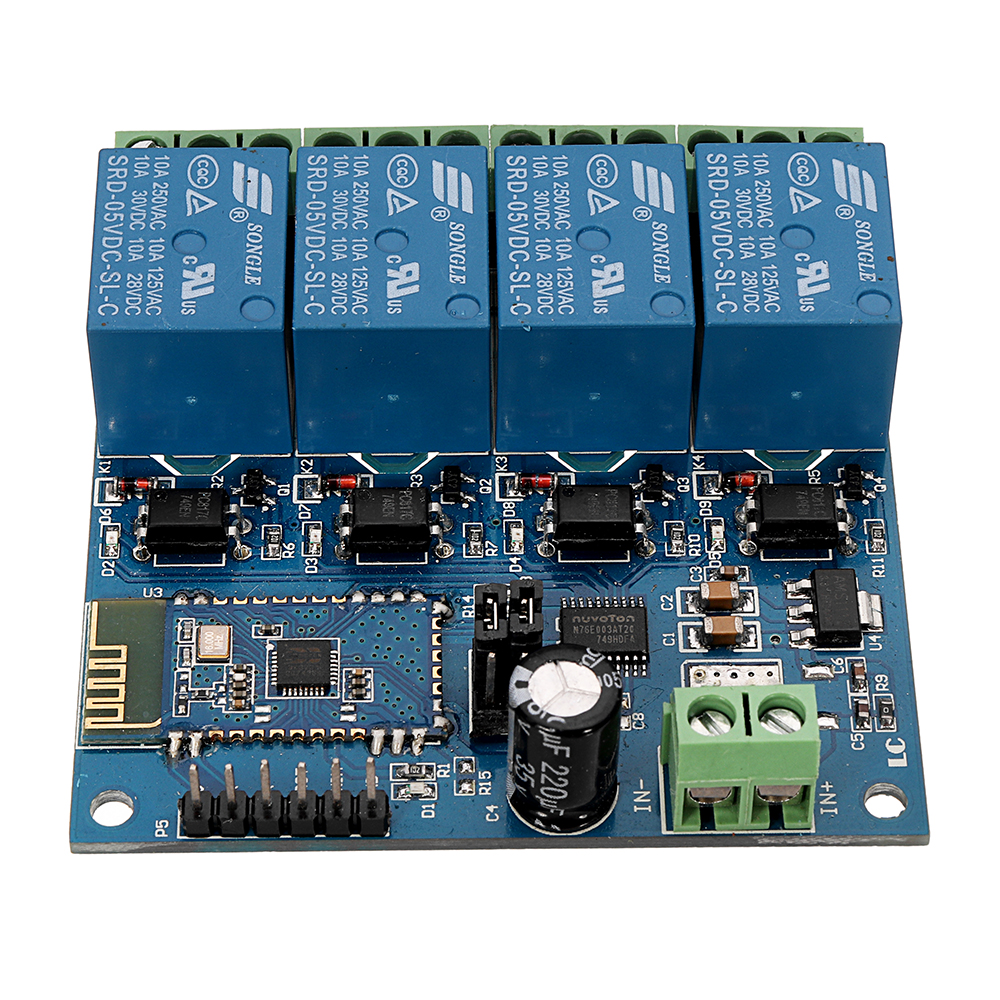
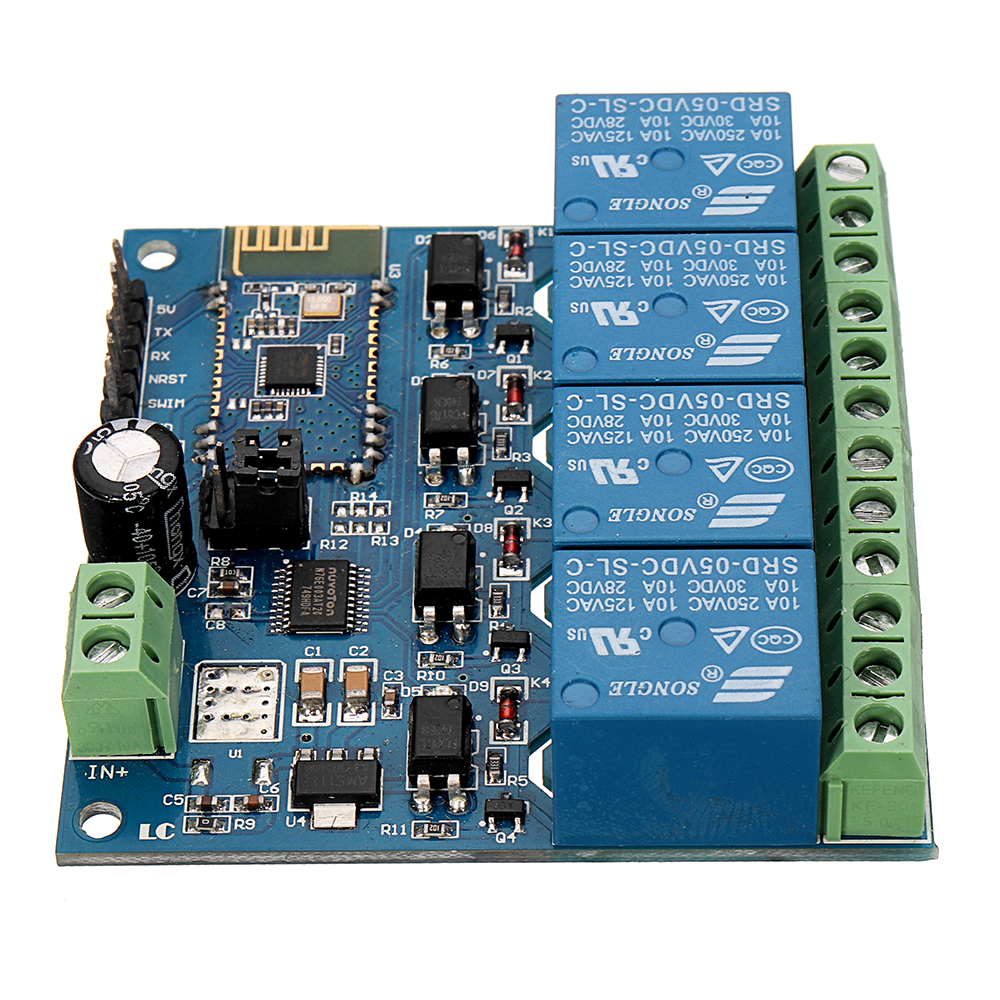
IN+,  IN-: 5V power input
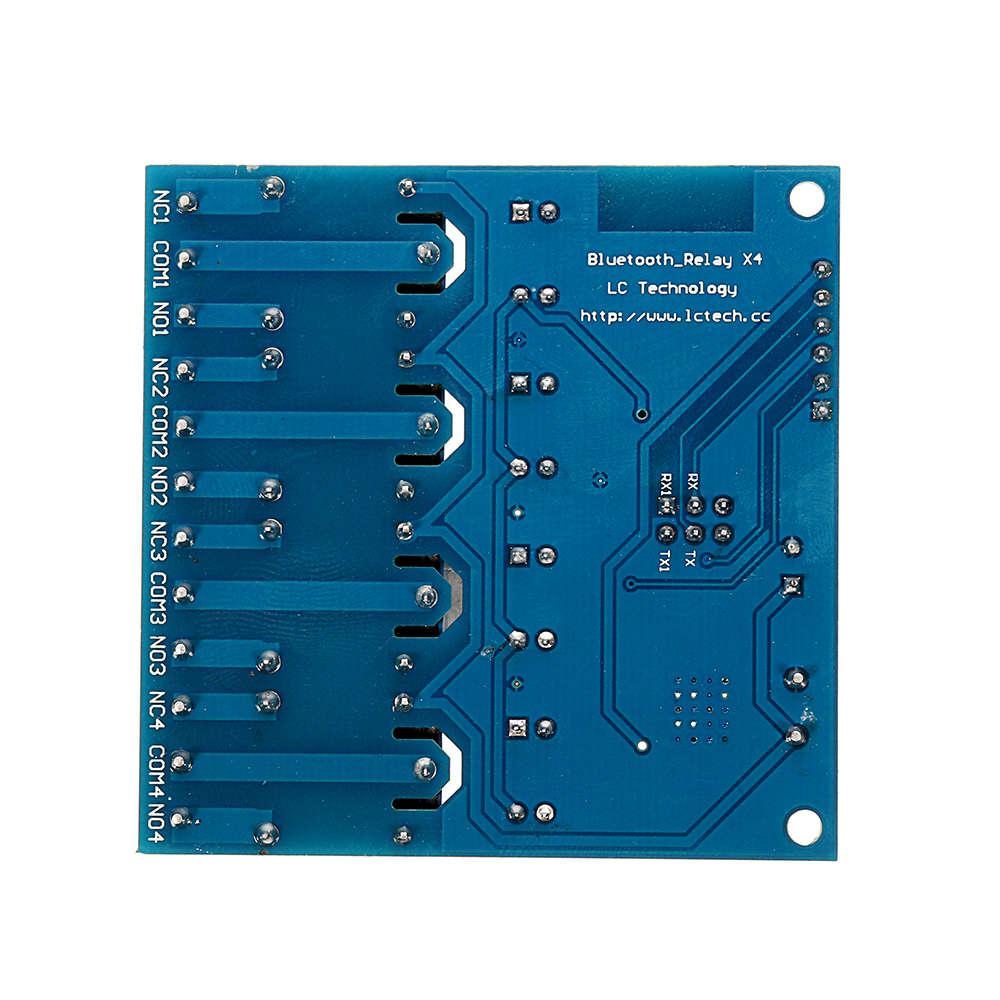
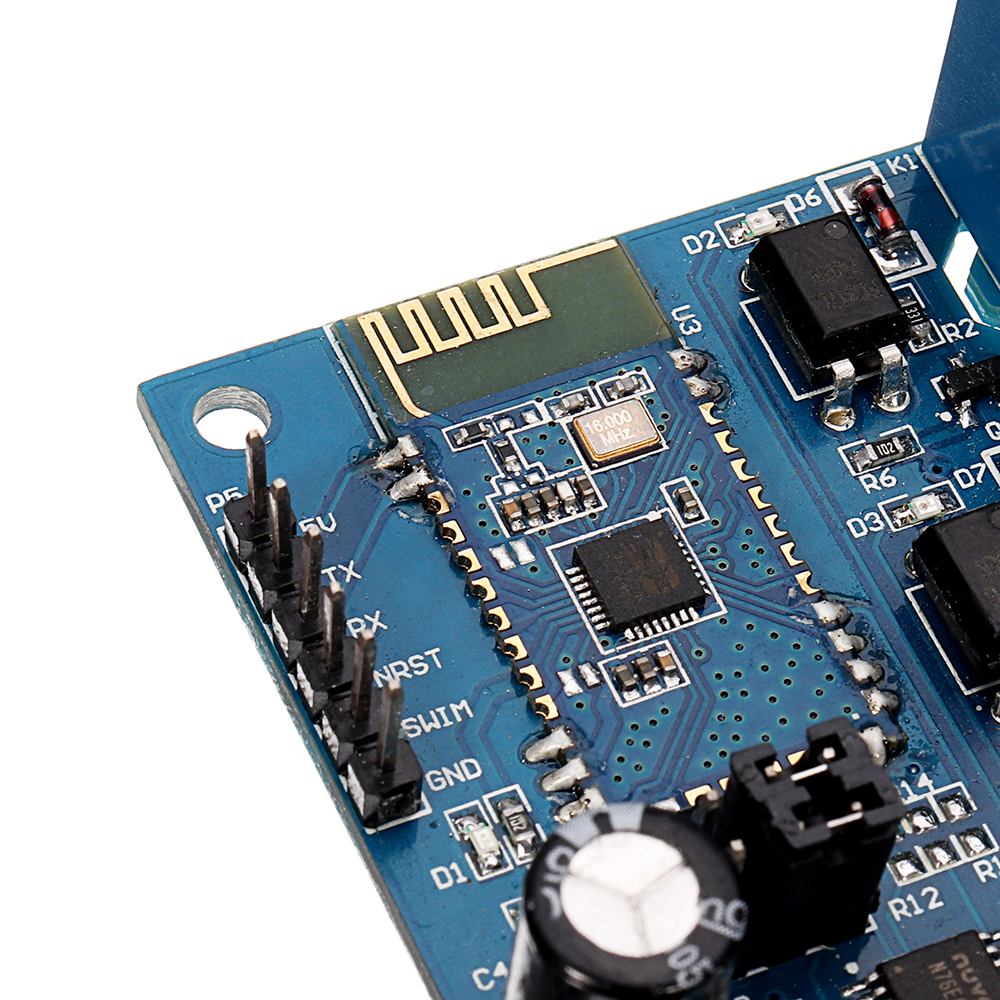
TX, RX: UART communication
SWIM,  NRST: MCU program interface
LED D2/D3/D4/D5(red): Relay indicator
LED D1(blue): bluetooth state indicator, the description of D1 as below:
(1)It’s means wait for establishing connection with the APP when D1 blink slowly
(2)It’s means the bluetooth connect with the APP successfully when D1 on all the time
Relay control command(must be hex format):
Open the 1st relay: A0 01 01 A2
Close the 1st relay: A0 01 00 A1
Open the 2nd relay: A0 02 01 A3
Close the 2nd relay: A0 02 00 A2
Open the 3rd relay: A0 03 01 A4
Close the 3rd relay: A0 03 00 A3
Open the 4th relay: A0 04 01 A5
Close the 4th relay: A0 04 00 A4

Control the relay with APP:
 
1, The IN+, IN- connect to 5V DC adapter
2, Controlled the relay with APP
There are 2 types APP available: one is a specialized APP that designed by LCTECH, another one is a common APP that downloaded from Android market.
2.1, Specialized APP instructions:
2.1.1, Install the “bluetoothDemo” APP on your Android phone, open it and click”search”, and then connect to the bluetooth module. Generally,the default name of the bluetooth is BT04-A and password is 1234, it means the connection is ok when the blue LED on all the time. Then you can click the function block to control the relay.
2.2, Common APP instructions(give example with the 1st and 2nd relay ):
2.2.1, Install APP “BlueSPP_37” on your Android phone. It’s used for send the relay command to the bluetooth module . Click”SWITCH” , press the function block and insert the relay command name and content(Remark: the command content is HEX format)
2.2.2, Open “BlueSPP_37”APP, click”CONNNECT”, insert the password if needed(the default password is 1234), and then you can click the function block to control the relay after the status of the blue led is on all the time.
3, Additional function (As an USB relay module )instructions:
For that,You need an USB to TTL module. IN+ , IN- connect to 5V adapter, and the GND, TX, RX pins of the TTL module connect to the GND, TX, RX pins of the relay module. Turn on the power, Open a Serial debugging software on your PC, the baud rate is 9600.After that you can send relay command to control the relay. For example, send A0 01 01 A2 or A0 01 00 A1 can open or close the first relay(remark: the command format is HEX): 
4, How to modify the SSID and PASSWORD of the bluetooth module
Connecting method: You need an USB to TTL module, the 5V, GND, RX, TX pins of the TTL module connect to the 5V, GND, TX, RX pins of the relay module,and then we can send AT command of the bluetooth module to modify the SSID and PASSWORD with serial debugging software,just as below:
1, Modify PASSWORD: For example, if we want to change the password(default is 1234) to 8888, we can send “AT+PIN8888”(If no response, maybe you need press ENTER before click “Send”)
2, Modify SSID(bluetooth device name): For example, if we want to change the SSID to BOLUTEK(default is BTA-04) ,we can send ”AT+NAMEBOLUTEK ” , and then send “AT+RESET” can set the device name as BOLUTEK.

Show More
Attribute
Value
Wireless Capability
Bluetooth
Model
DC5V
Description

Overview:
 
5V bluetooth 4-channel relay module equip with SPP-C bluetooth 2.1 slave module and 8 bit high performance MCU, you can control the relay with cellphone APP directly.

The function and
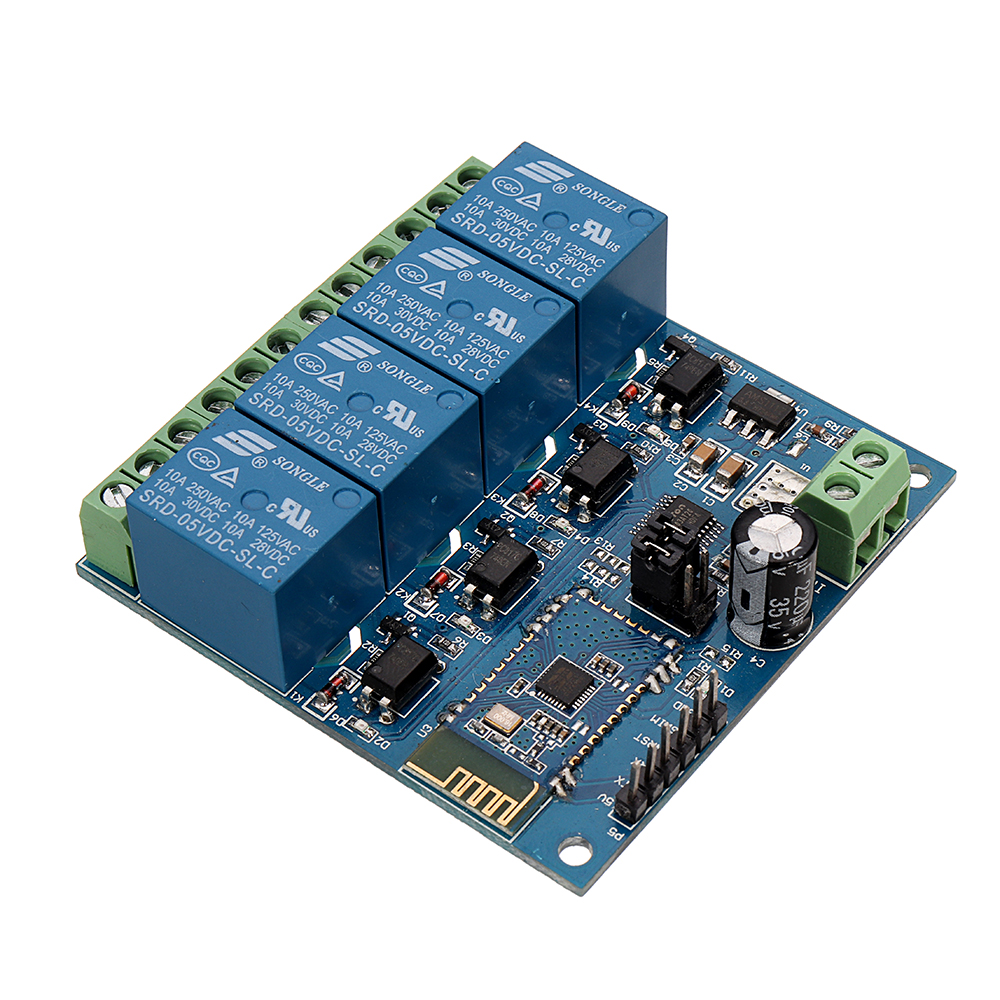


1 x DC5V 4-Channel bluetooth Relay Module


DC5V-4-Channel-Android-Mobile-bluetooth-Relay-Module-1317357

DC5V-4-Channel-Android-Mobile-bluetooth-Relay-Module-1317357

DC5V-4-Channel-Android-Mobile-bluetooth-Relay-Module-1317357

DC5V-4-Channel-Android-Mobile-bluetooth-Relay-Module-1317357

DC5V-4-Channel-Android-Mobile-bluetooth-Relay-Module-1317357

DC5V-4-Channel-Android-Mobile-bluetooth-Relay-Module-1317357

DC5V-4-Channel-Android-Mobile-bluetooth-Relay-Module-1317357

DC5V-4-Channel-Android-Mobile-bluetooth-Relay-Module-1317357

DC5V-4-Channel-Android-Mobile-bluetooth-Relay-Module-1317357
Shopping Guide
Shipping
Delivery Period
For in-stock parts, orders are estimated to ship out in 3 days.
Elecbee ships orders once a day at about 5pm except Sunday.
Once shipped, estimated delivery time depends on the below carriers you chose.
DHL Express: 3-7 business days
DHLeCommerce: 12-22 business days
FedEx International Priority: 3-7 business days
EMS: 10-15 business days
Registered Air Mail: 15-30 business days
Shipping RatesShipping rates for your order can be found in the shopping cart.
Shipping OptionsShipping rates for your order can be found in the shopping cart.
Shipping TrackingWe will notify you by email with tracking number once order is shipped. You can track your order using the “Track My Order” feature.
Returning/WarrantyReturningReturns are normally accepted when completed within 30 days from date of shipment, please contact customer service for a return authorization. Parts should be unused and in original packaging. Customer has to take charge for the shipping
WarrantyAll Elecbee purchases come with a 30-day money-back return policy, plus 1-year Elecbee warranty against any manufacturing defects.
This warranty shall not apply to any item where defects have been caused by improper customer assembly failure by customer to follow instructions, product modification, negligent or improper operation
OrderingHow to BuyElecbee accepts online orders.
Add to cart > Check out > Submit order > Complete payment > Delivery
PaymentPayPal, Credit Card includes Visa, Master, American Express, Bank transfer.

Recommended For You

Reviews
ELECBEE
All reviews come from verified purchasers
1 stars
0%
2 stars
0%
3 stars
0%
4 stars
0%
5 stars
0%
In-Stock:9997
Qty.
1
Unit Price
$ 15.99
Ext. Price
$ 15.99
$ 15.99
Can Ship in 1-3 Business Days
Qty.
P. Unit.
Ext. Price
10+
$15.19
$ 151.90
20+
$14.39
$ 287.80
100+
$12.79
$ 1279.00